This page explains what a taxonomy is, what you need to set one up, and how to create and manage them. It is written for internal team members and customer administrators.
If you are new to how a solution is structured, read the administrative area overview first. This page refers to Sites, Entities and Products, so it helps to be familiar with those.
A taxonomy is the set of categories users browse in the marketplace to find the products they want to buy. It is the structure a user moves through, from broad categories down to the specific items, when they shop.
A taxonomy does more than organise the marketplace. It also determines which products a user can access. A user working under a given Entity or Team sees that Entity's taxonomy, and can only browse and buy the products within it. Products that are not part of that taxonomy are not available to them.
Because of this, a taxonomy is both a way to find products and a way to control which products a user can reach.
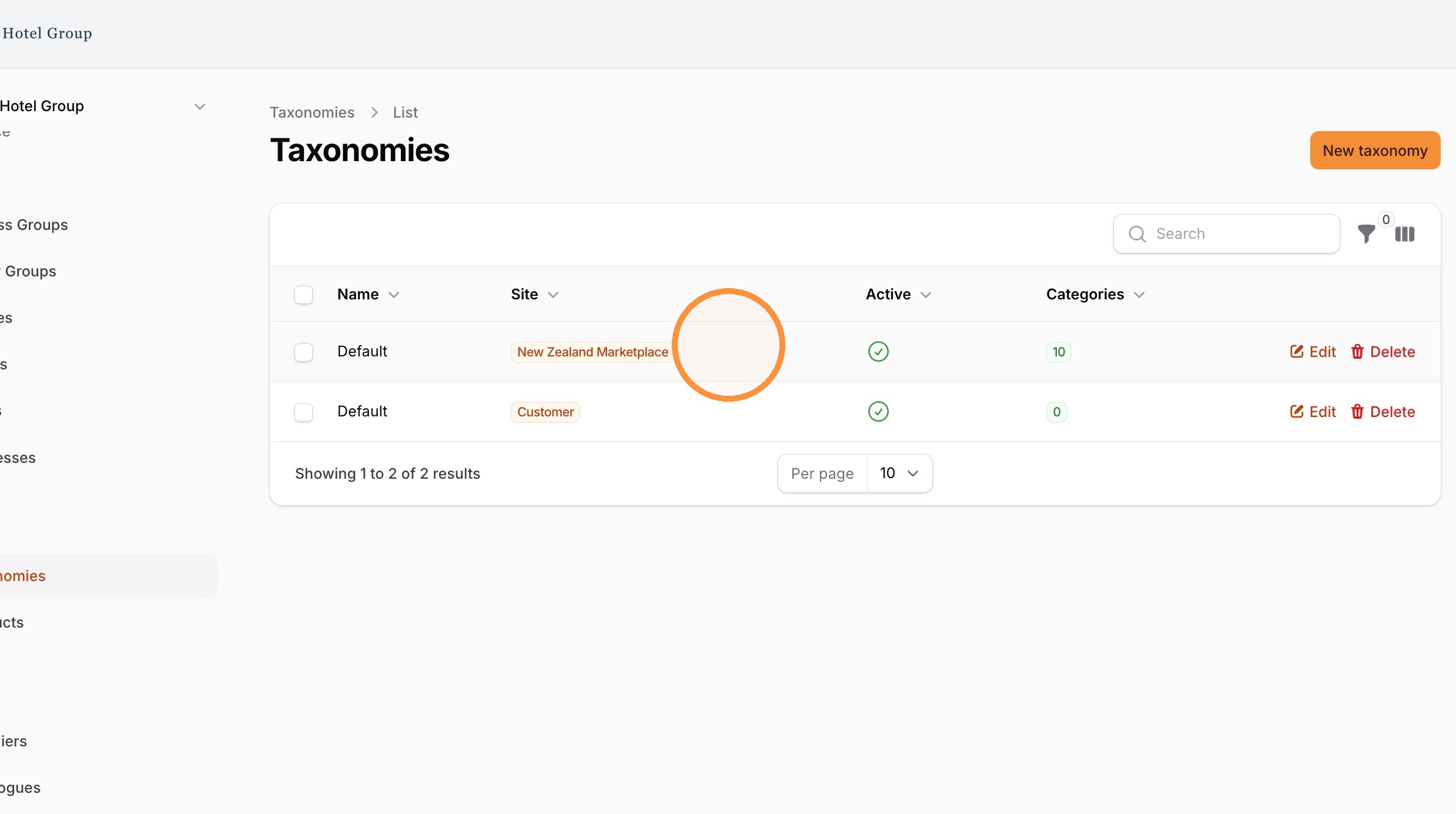
A Site can have more than one taxonomy, so that different parts of the business see a structure and a product range that suit them. For example, Head Office may need very different categories and products from the ones the hotel Teams work with. In that case each area is given its own taxonomy, assigned to the relevant Entities.
Eversource will support you in your initial taxonomy configuration based on your business and our experience.
A taxonomy touches every product and every user who browses it, so it is much easier to plan up front than to rework once it is in use.
Work through these questions:
Who will browse this taxonomy, and what are they trying to find? Build it around how they actually look for products, not around how the business is organised internally.
What products need to be available to them? This defines what the taxonomy needs to cover.
Which Entities will share this taxonomy, and which need their own? Deciding this alongside your Entity structure keeps the two consistent.
How many levels of category do you really need? Aim for as few as will do the job.
Keep it simple. This is the single most useful rule for taxonomies. A simple taxonomy is easier to use, easier to maintain, and less likely to hide products from the people who need them. A complex one is more to manage: every product has to be placed correctly, and every change ripples through the structure.
In practice, that means:
Use a small number of clear top-level categories rather than many.
Keep the structure shallow. Avoid deep chains of sub-categories that make users click through several levels to reach anything.
Name categories in language your users recognise, not internal jargon or supplier terms.
Group products the way users would expect to find them, not the way they happen to be organised in a catalogue.
Reuse one taxonomy across similar Entities instead of creating a separate one for each, unless they genuinely need different products.
1. Navigate to the Taxonomy section
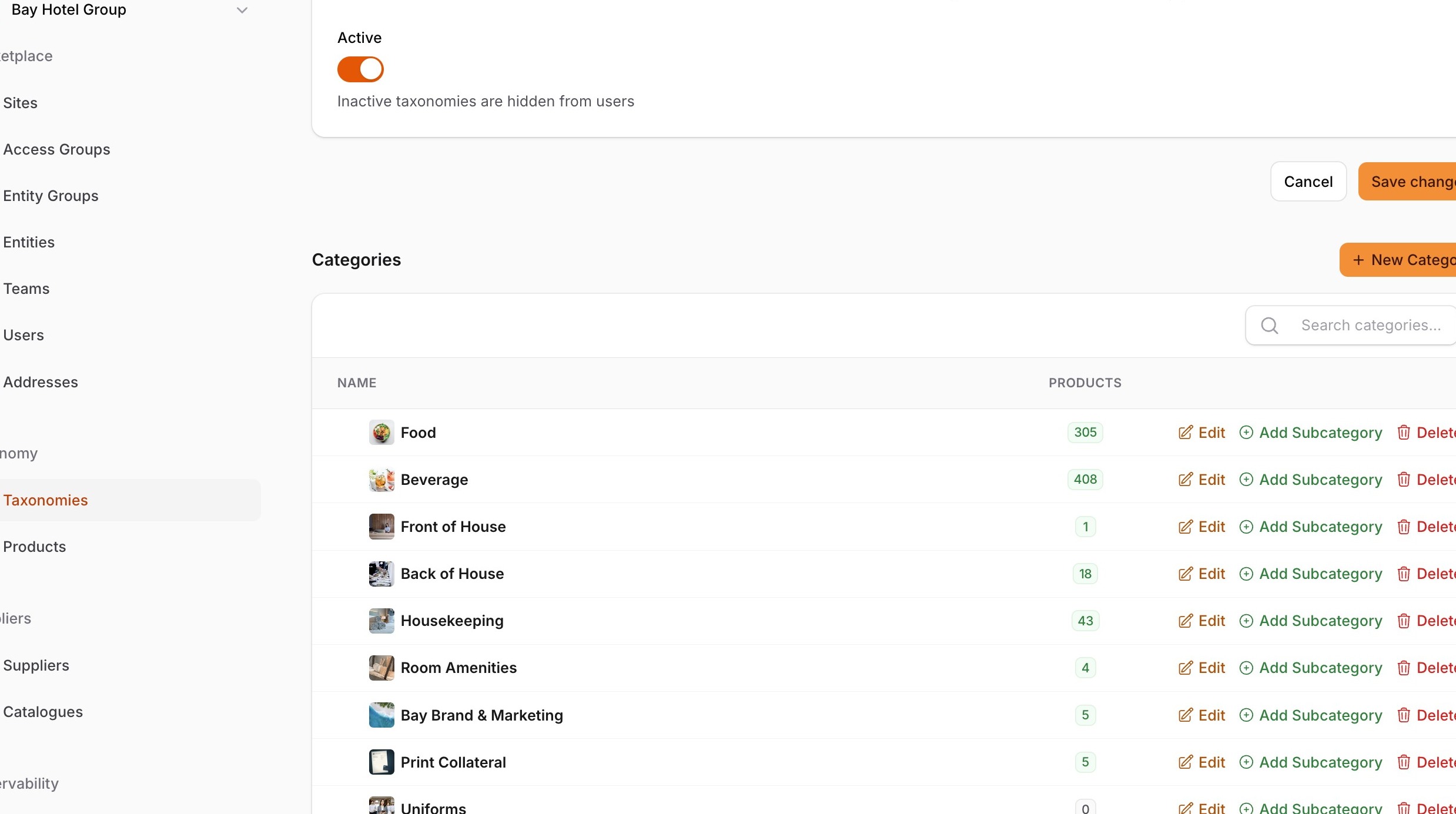
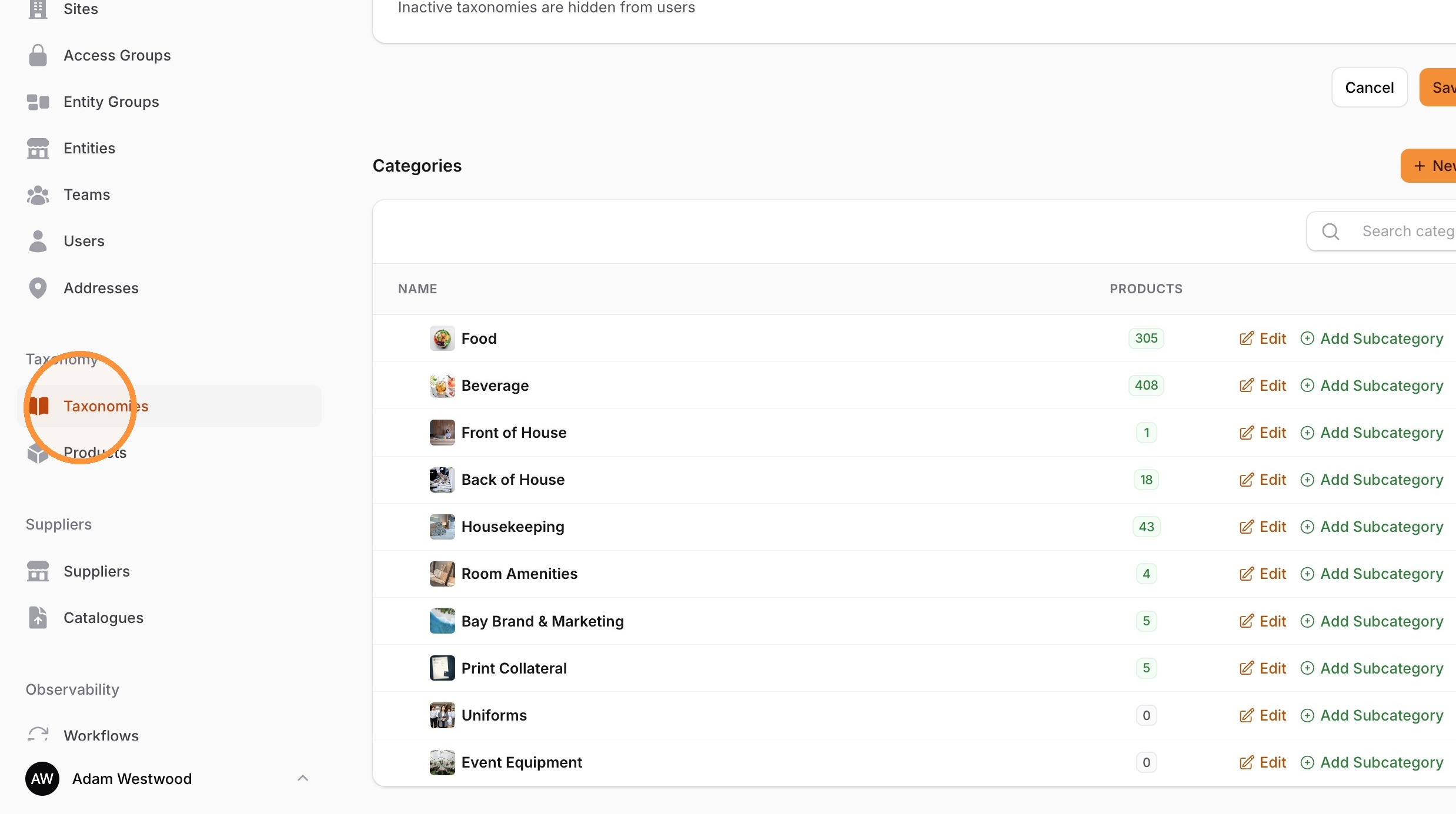
3. Select the taxonomy.
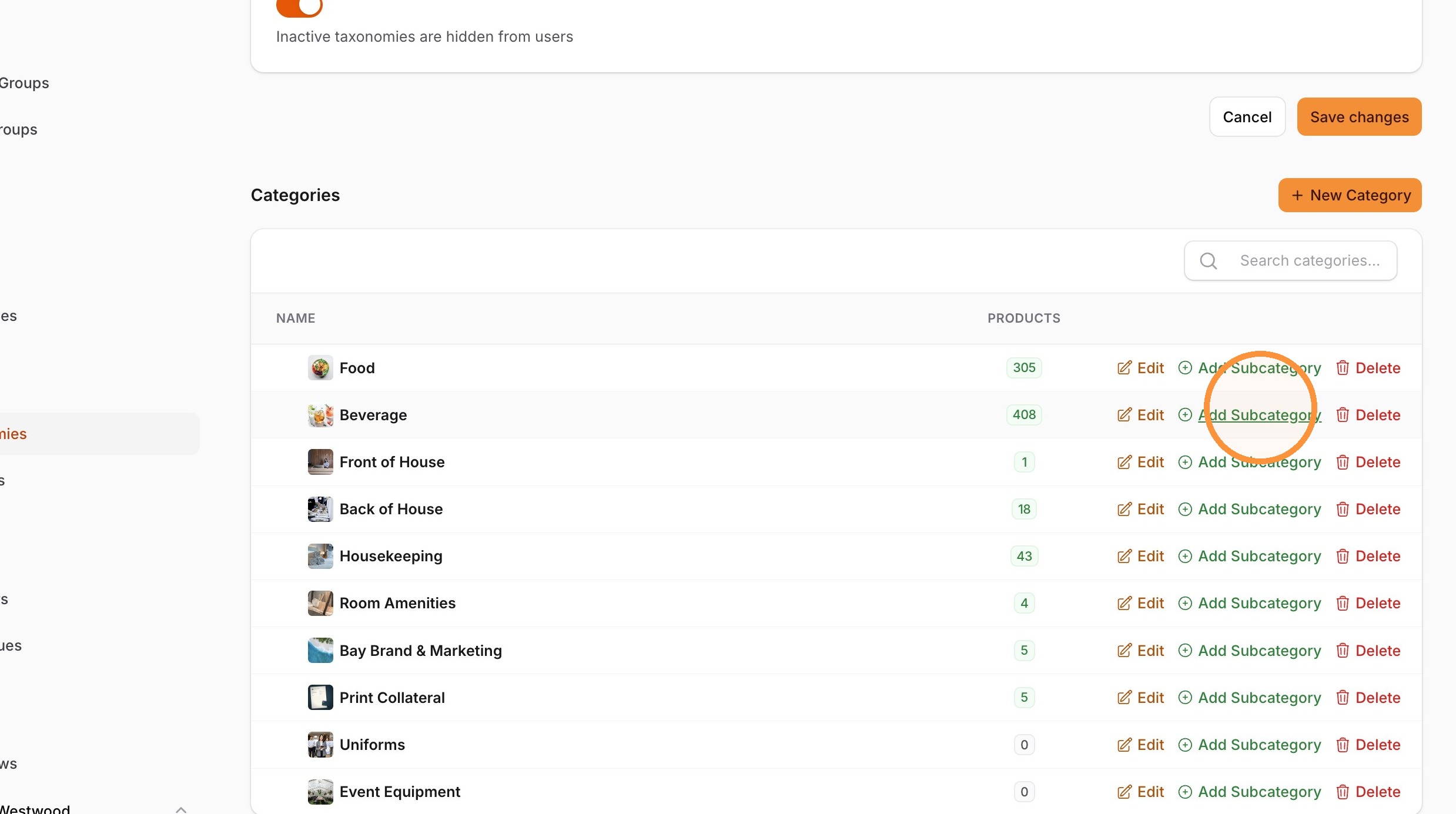
4. Click "Add Subcategory" for the a category.
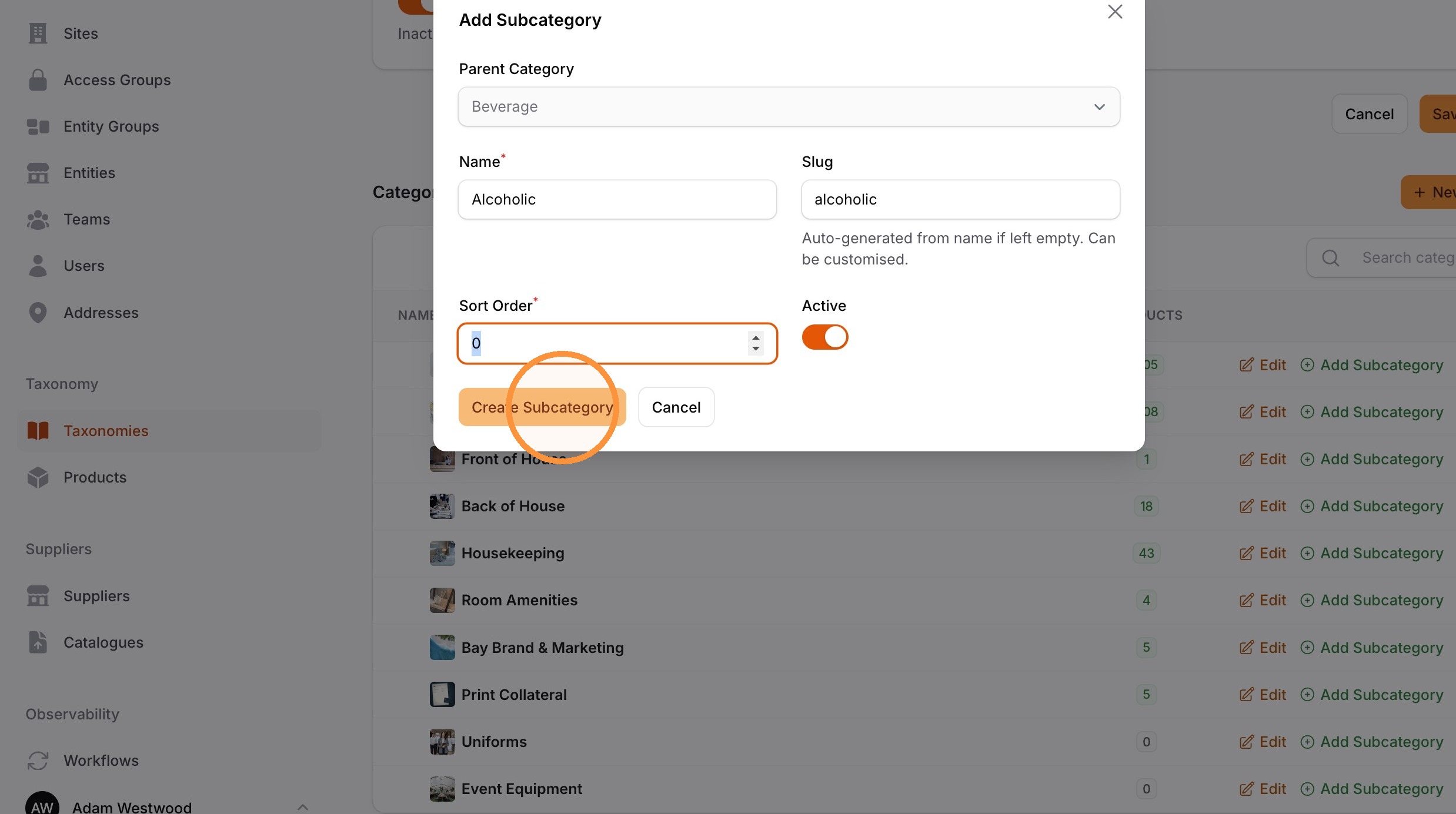
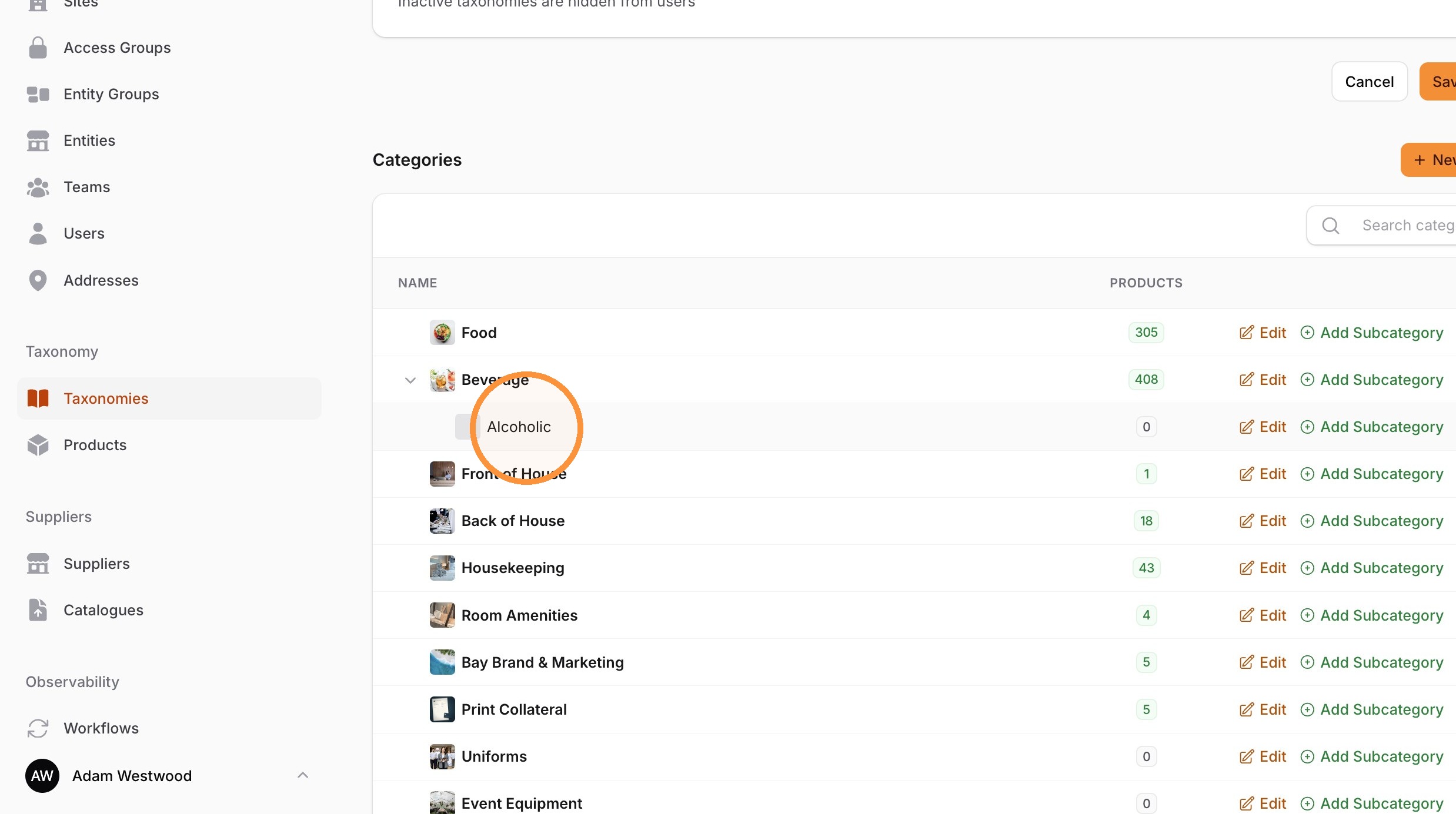
5. Create a subcategory.
6. Select the newly created subcategory to open its settings.
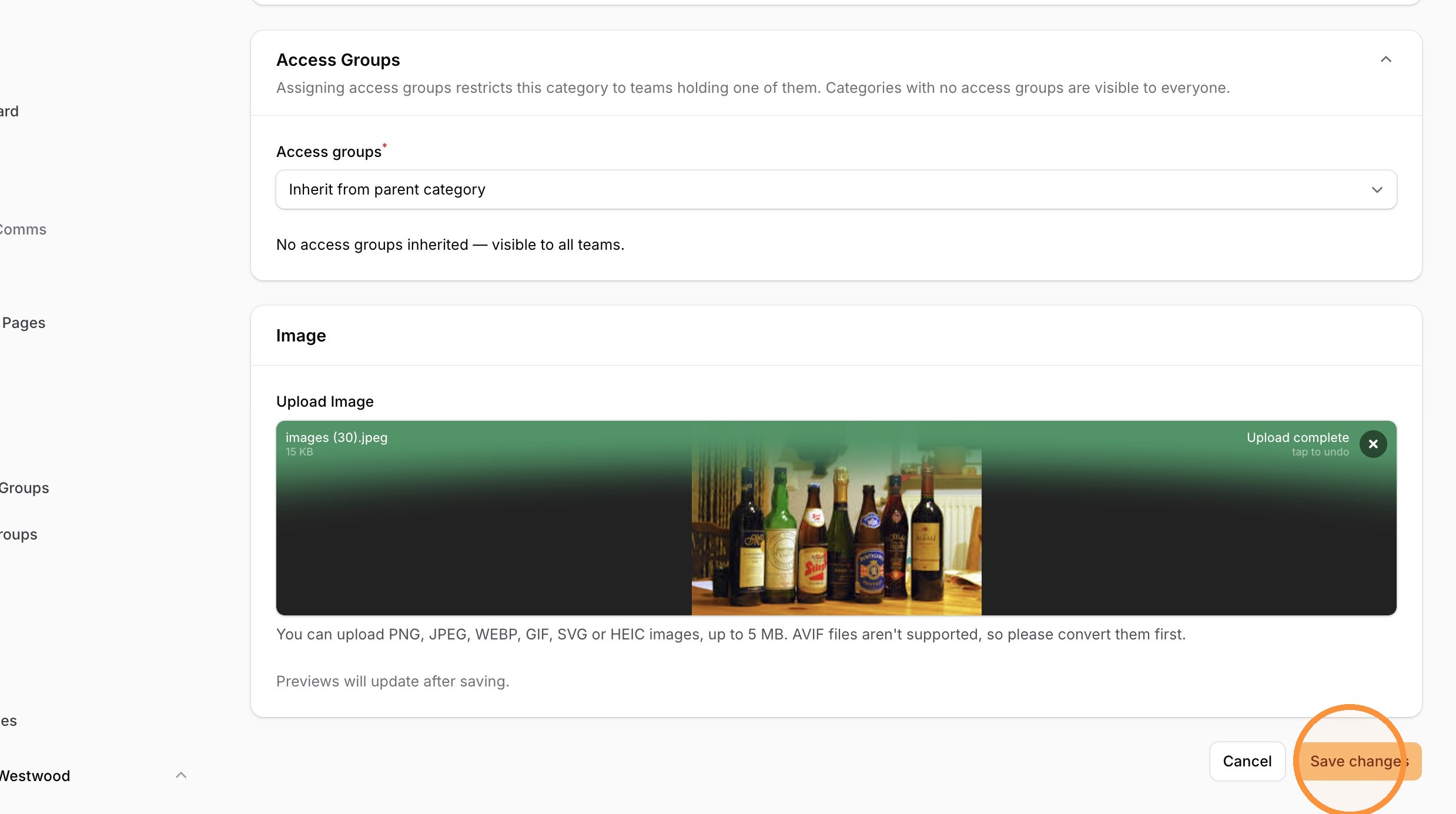
10. Add other details and category images.
Click "Save changes" to finalise the category update with the new image.