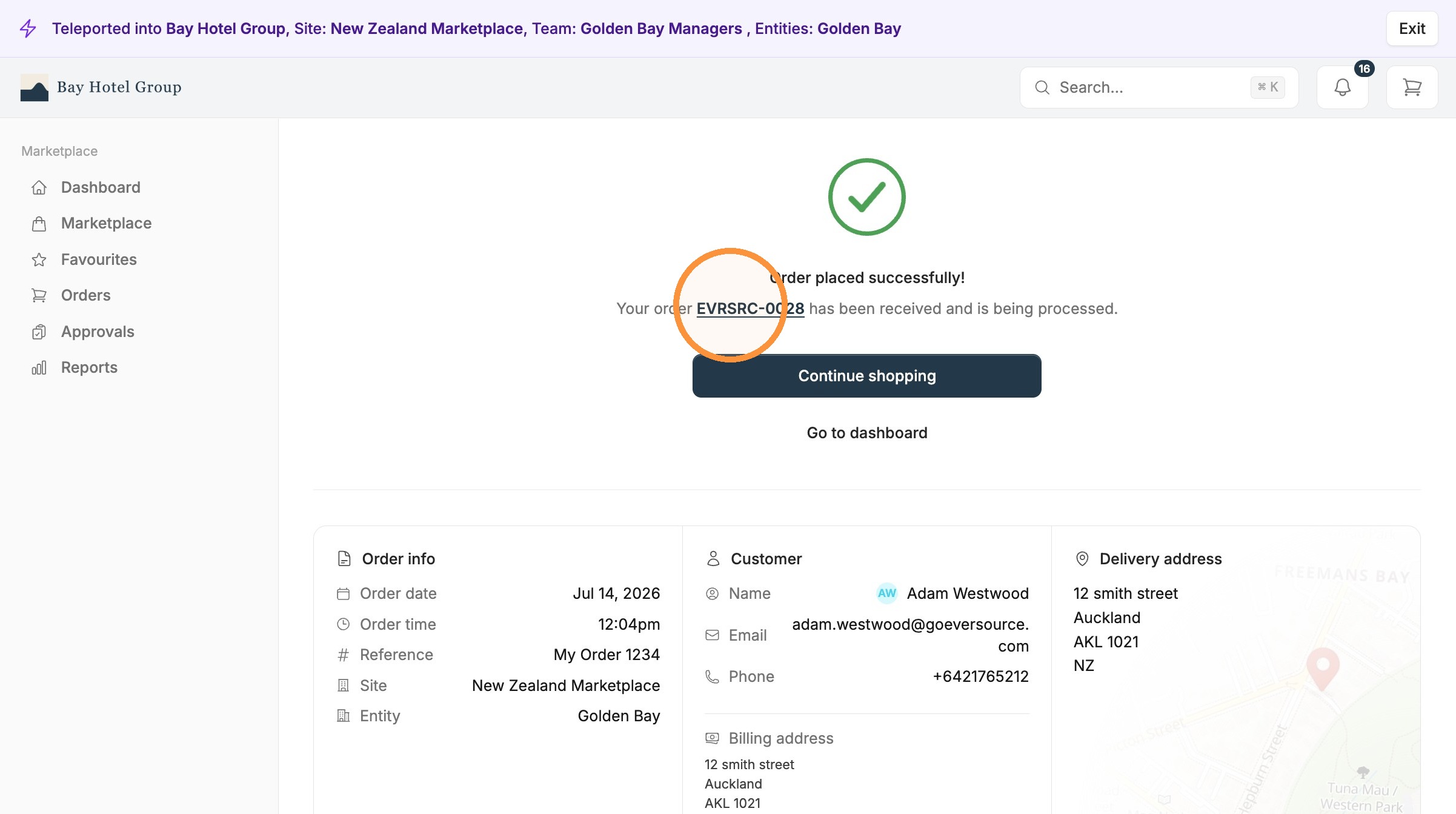
Placing an order in the Eversource Marketplace is straightforward. This guide walks you through it from start to finish: finding the products you need, checking your cart, and confirming where and when you want everything delivered.
1. Navigate to your marketplace dashboard.
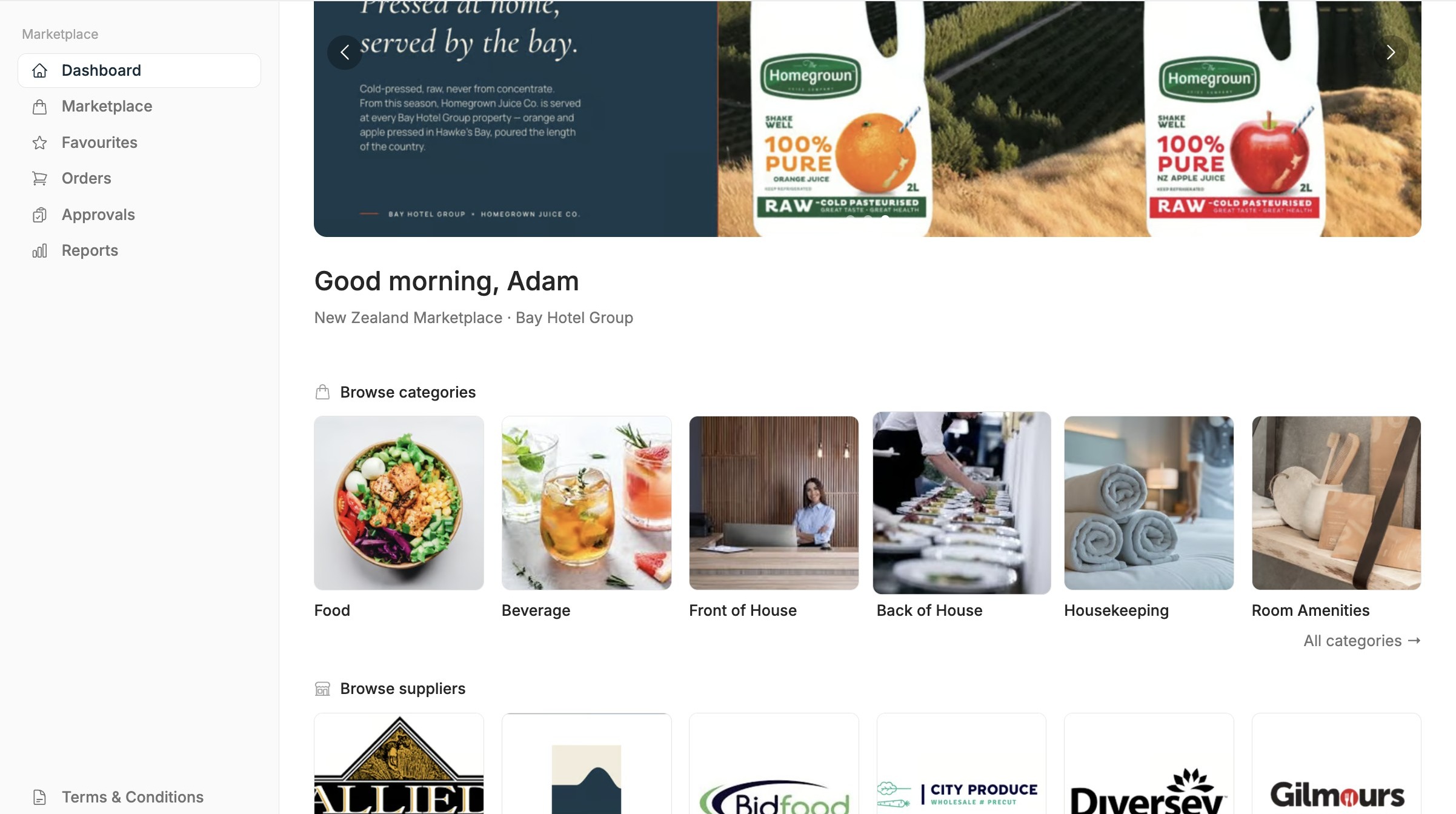
2. Find and select your products
Start by browsing or searching the Marketplace for what you need. You can search by product name, browse by category, or move through your approved suppliers to see what each one offers.
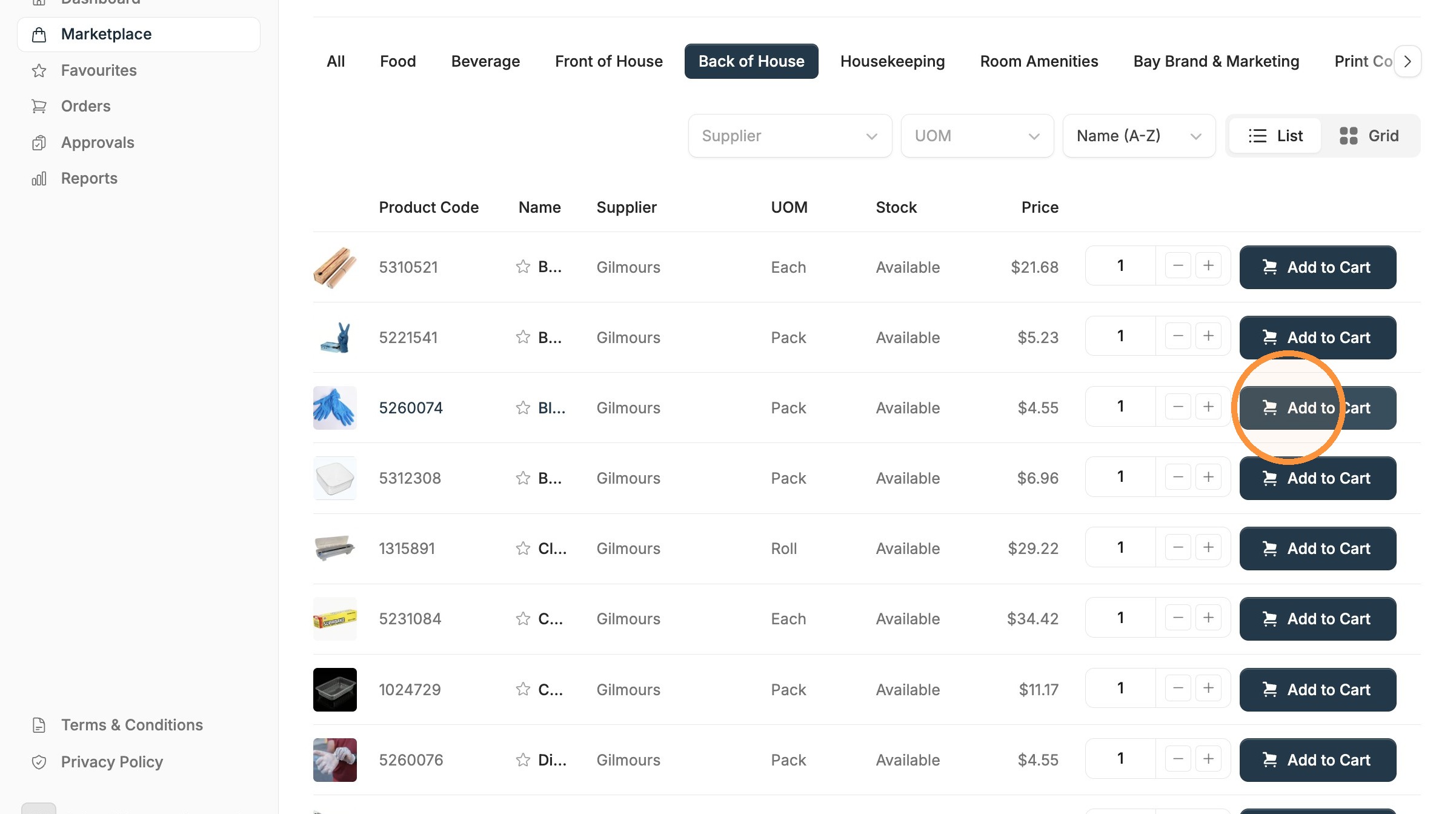
When you find a product you want, open it to check the details: description, pack size, price, and supplier. If it is the right one, choose the quantity and select Add to cart.
Keep going until you have everything on your list. You can add products from different suppliers to the same cart, so there is no need to place separate orders for each one.
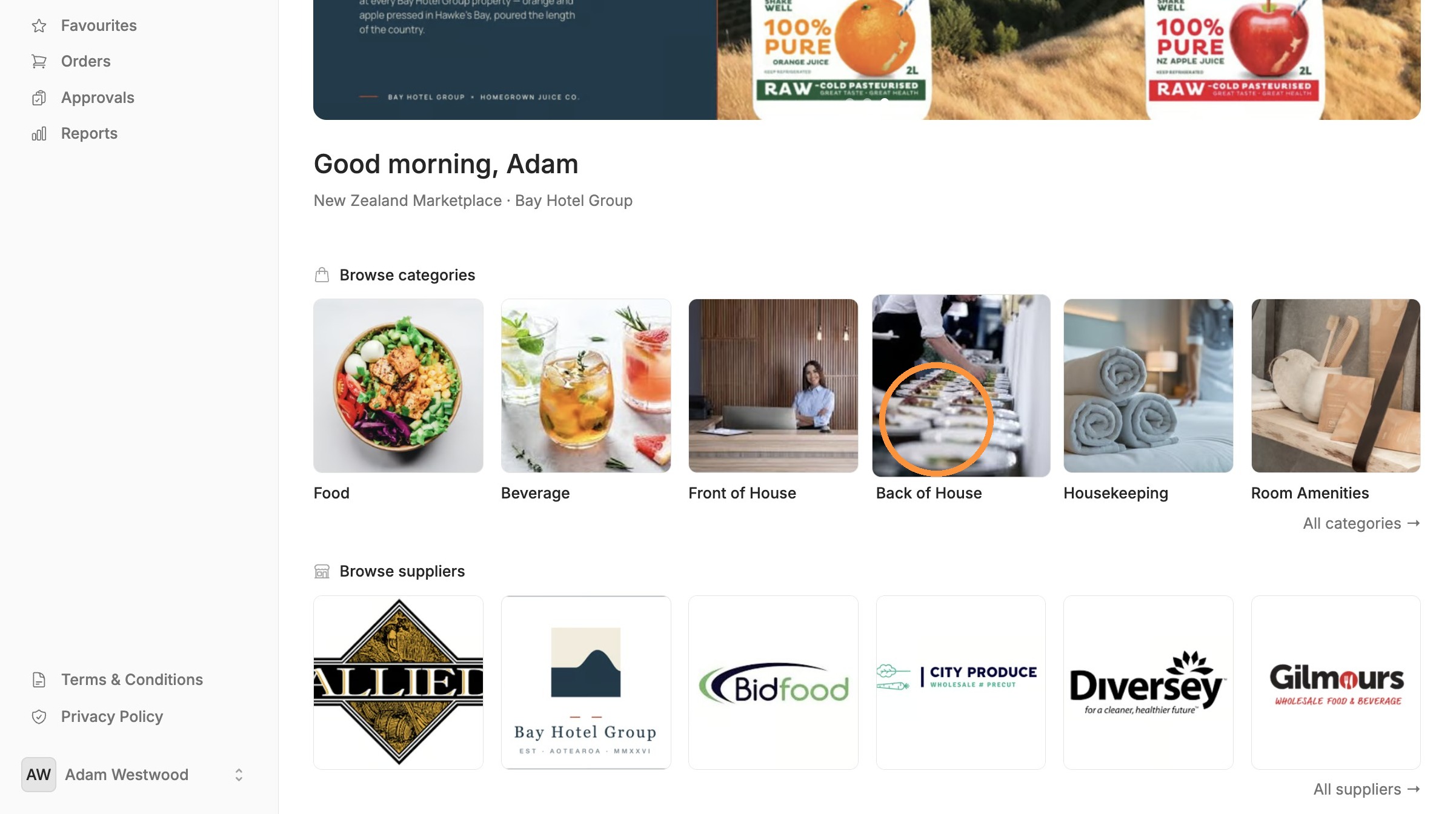
3. Add to your cart
Every product you select drops into your cart. The cart icon at the top of the screen shows how many items you have added, so you can keep an eye on your order as it builds.
You do not have to finish in one sitting. Your cart holds what you have added, so you can come back and pick up where you left off.
4. Review your Cart
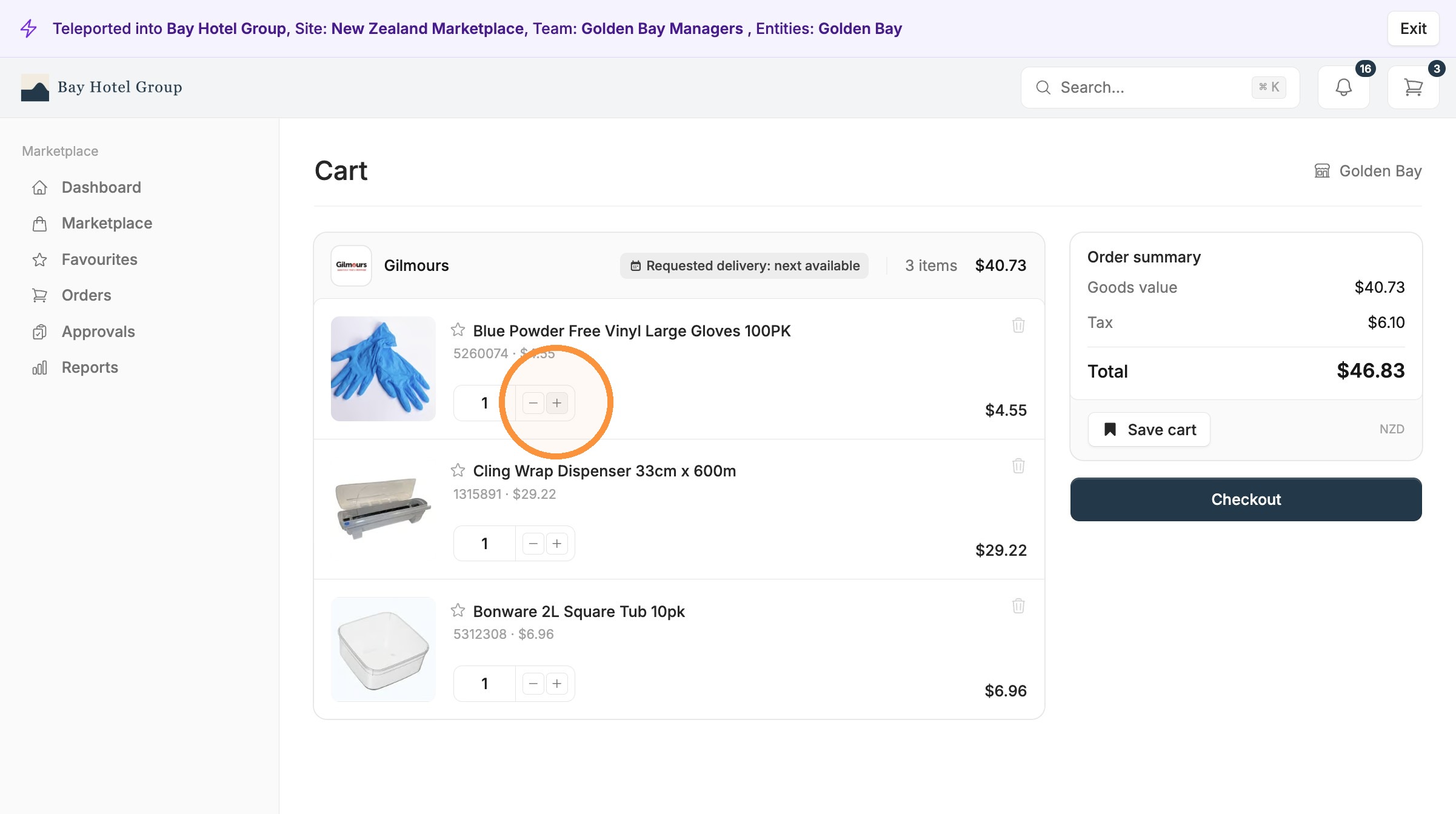
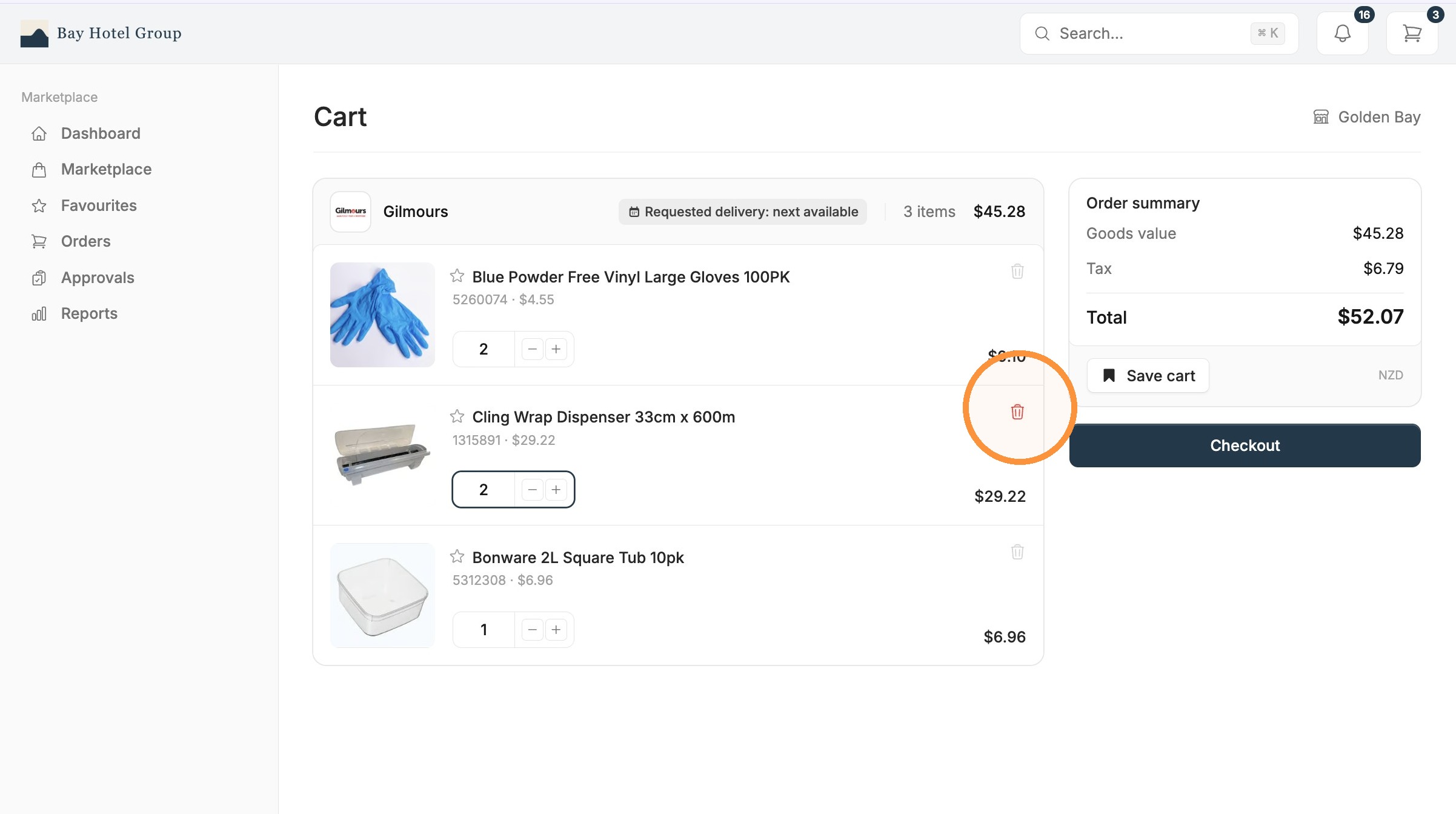
When you are ready, open your cart to check everything before you buy. This is the point to make any changes, and you have three things you can do here.
Edit the quantity. Adjust the number next to any product. The line total and your order total update as you go, so you always see what you are spending.
Set a requested delivery date. Choose the date you would like the order to arrive. This tells your supplier when you need the goods, which helps you plan around deliveries and avoid ordering too early or too late.
5. Complete Checkout
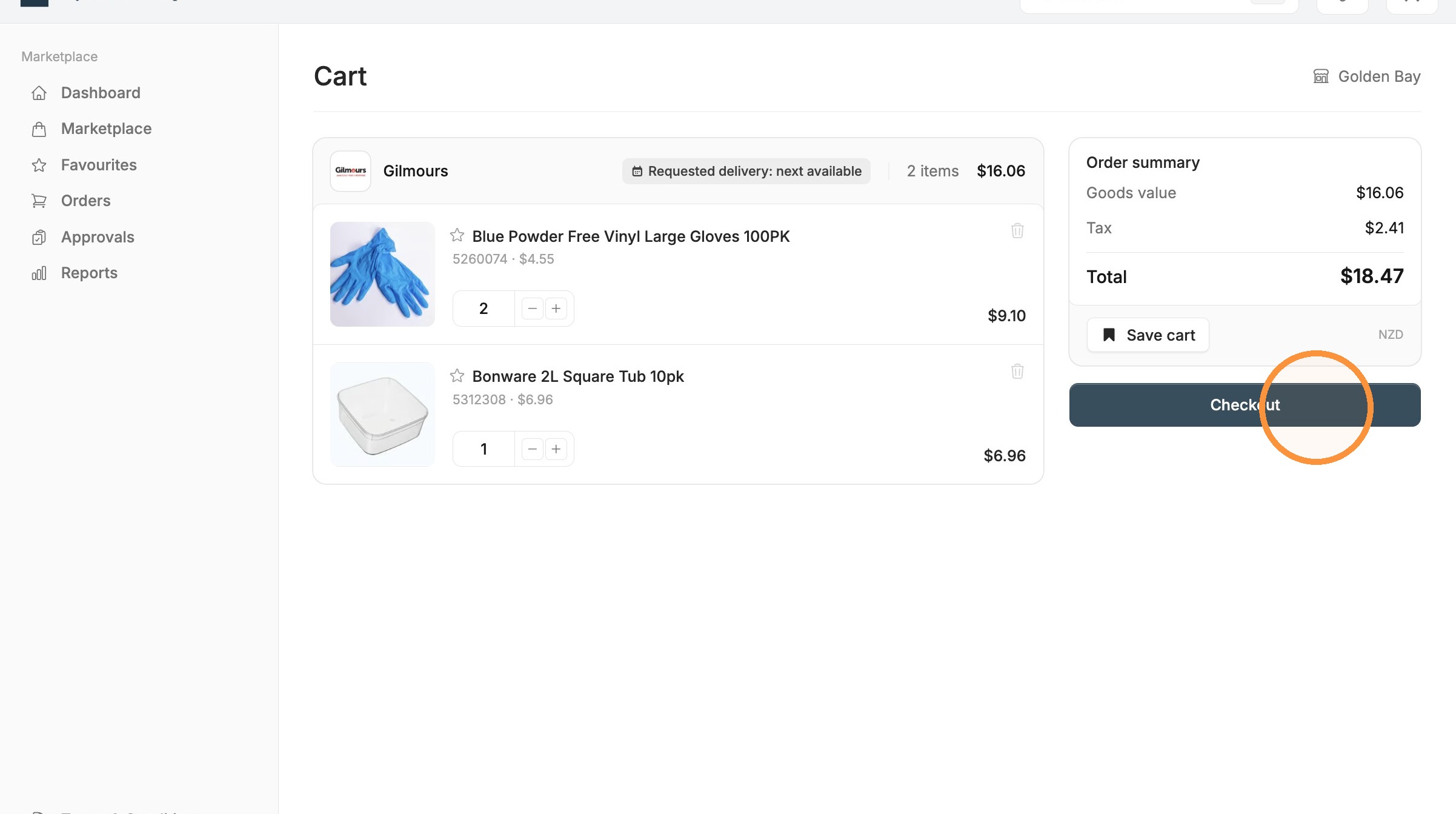
Once the cart looks right, select Checkout.
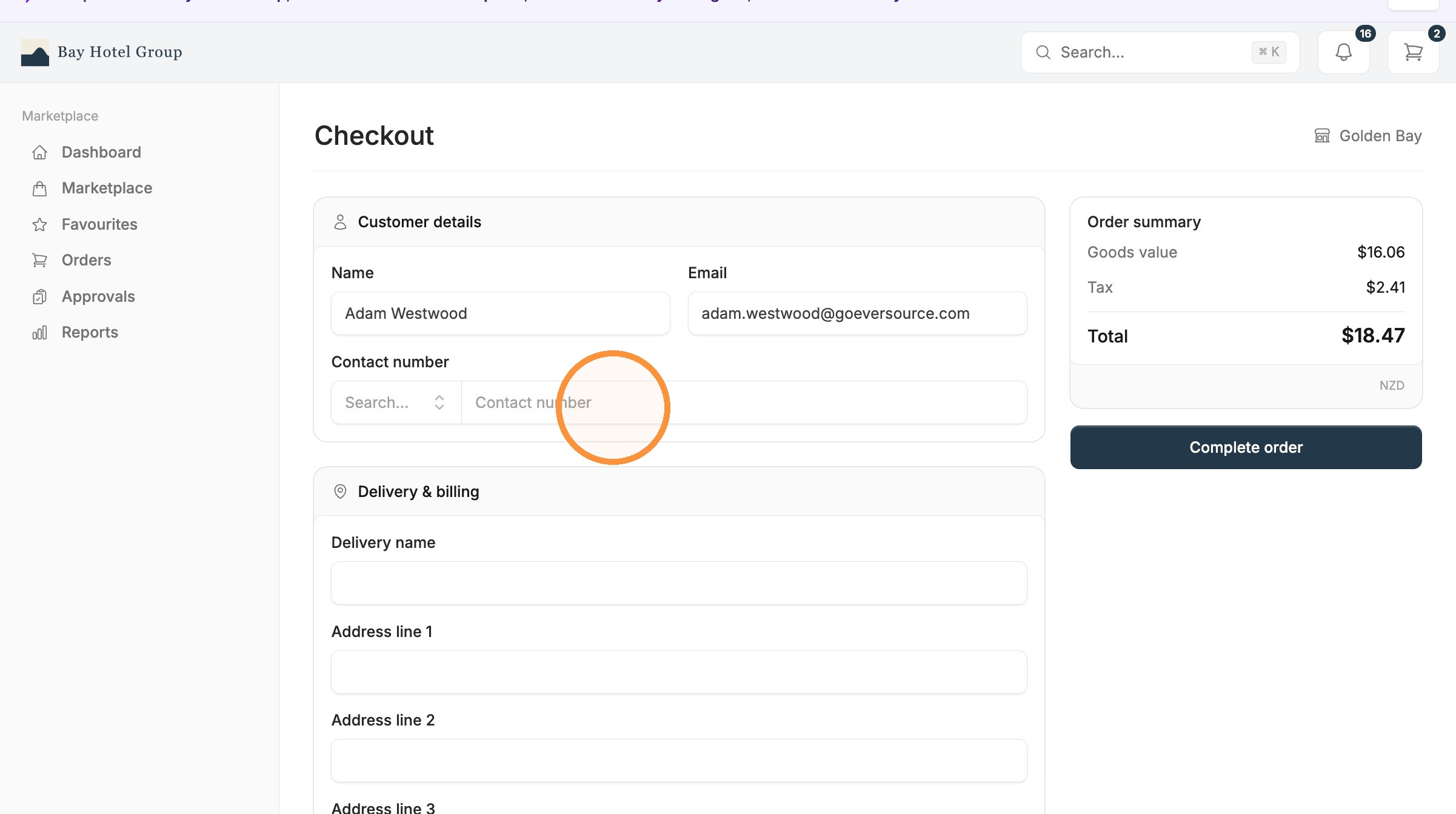
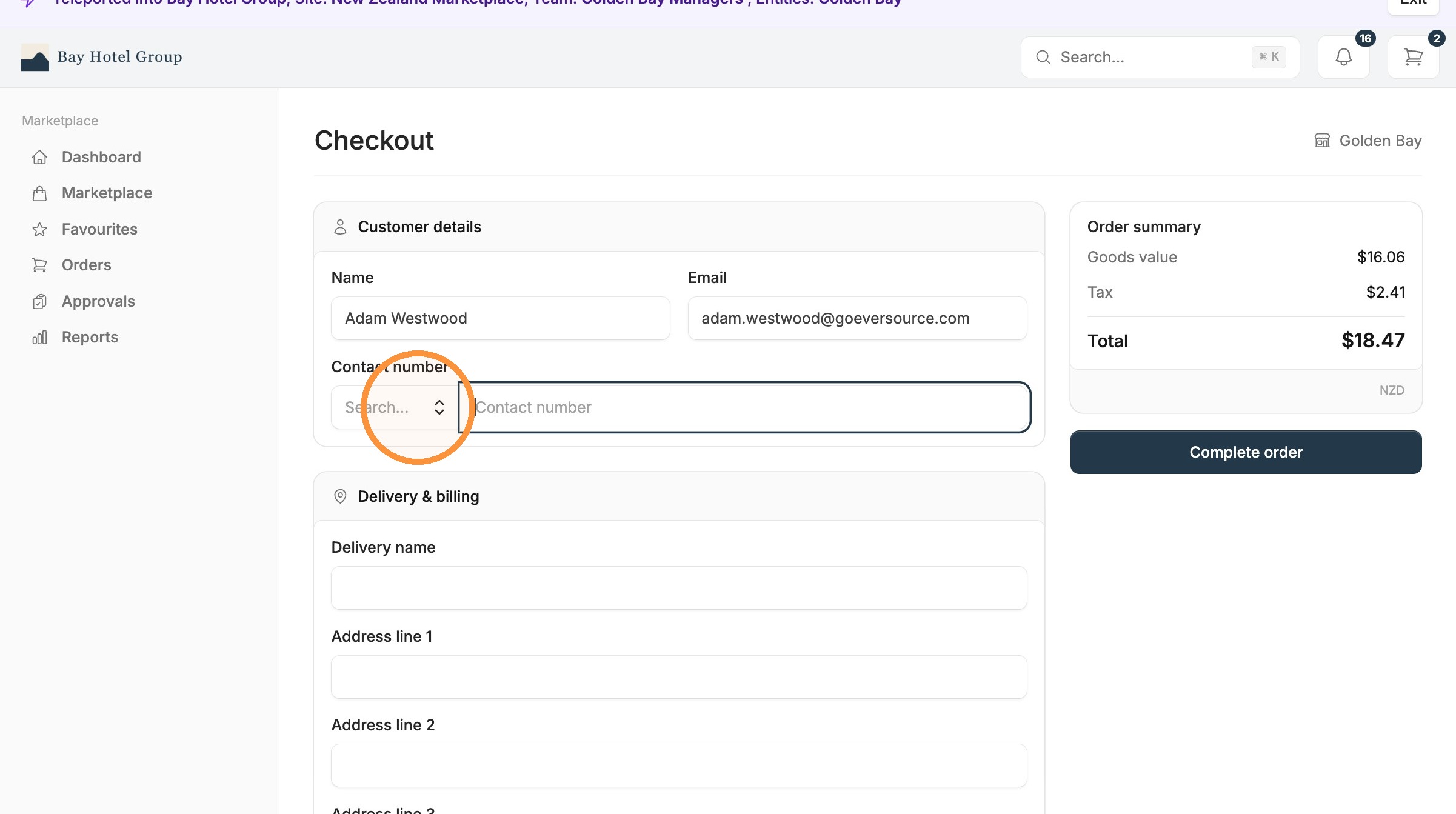
Here you confirm your details and add a contact phone number. The phone number matters: your supplier or courier may need to reach you about the delivery, so use a number that is easy to get you on.
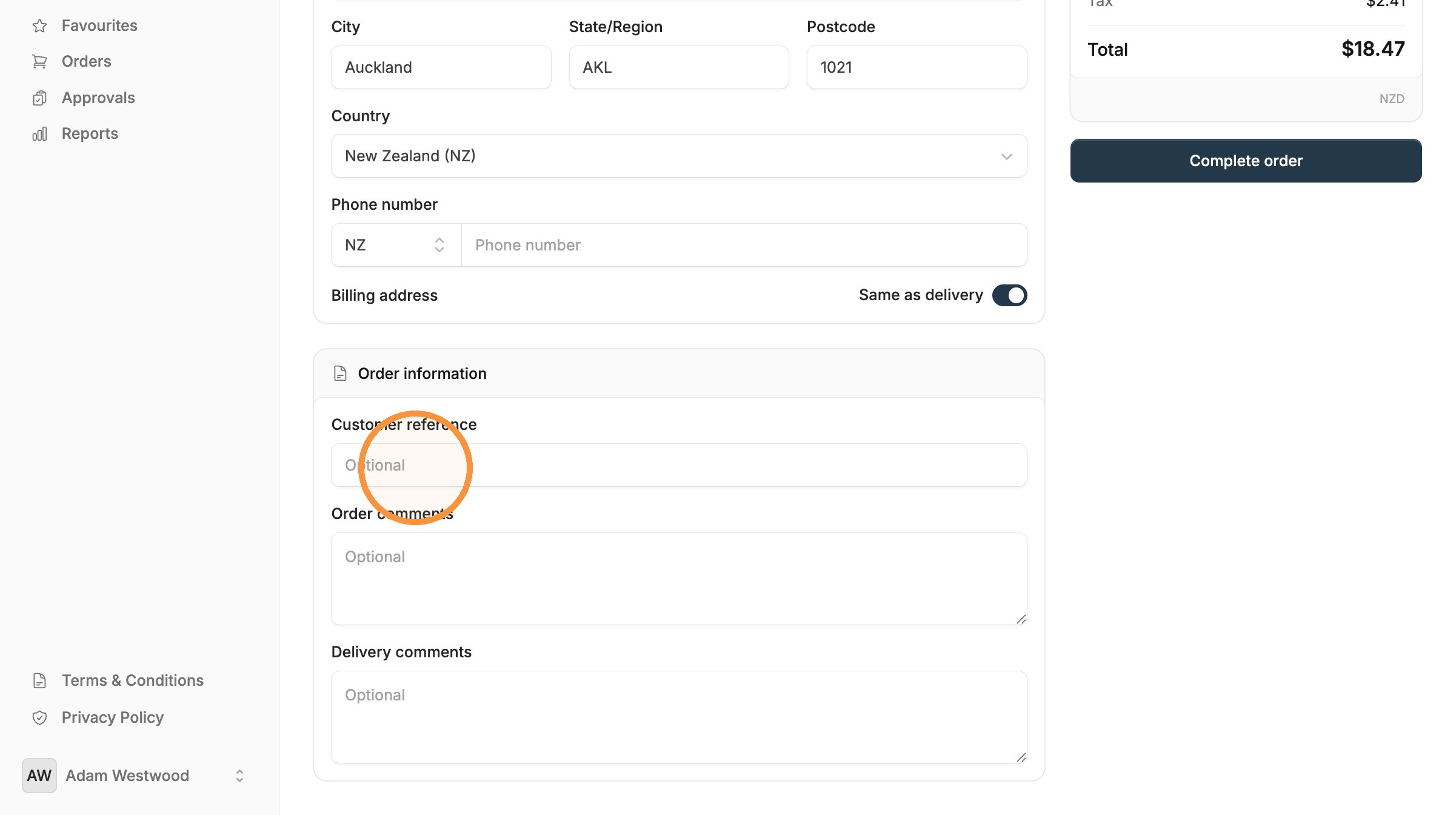
Next, select where you want the order delivered. If your organisation has more than one site, pick the correct address from the list so your goods arrive at the right location.
Check the address carefully, especially if you order for several sites.
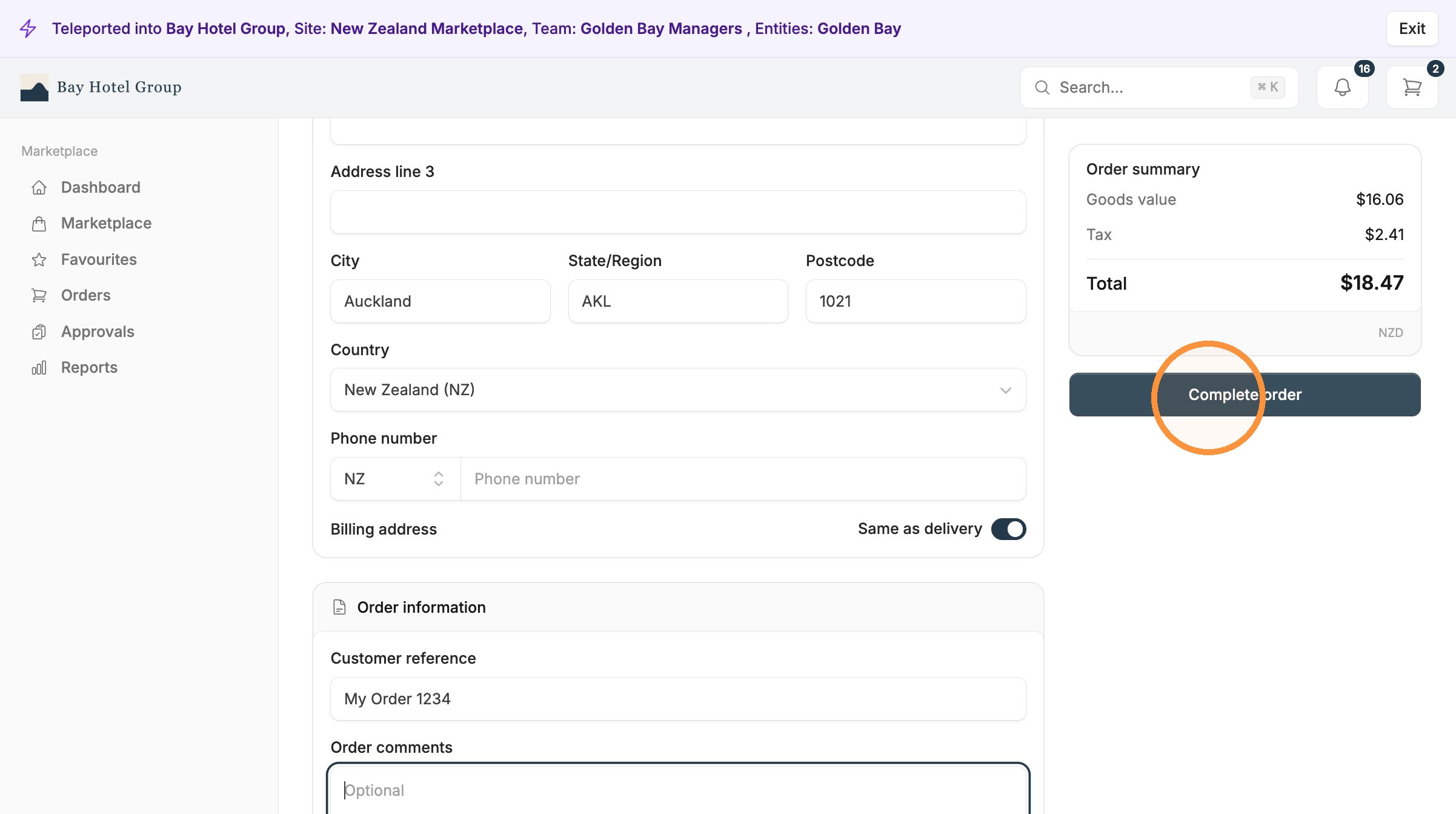
6. Submit your order
View your order details