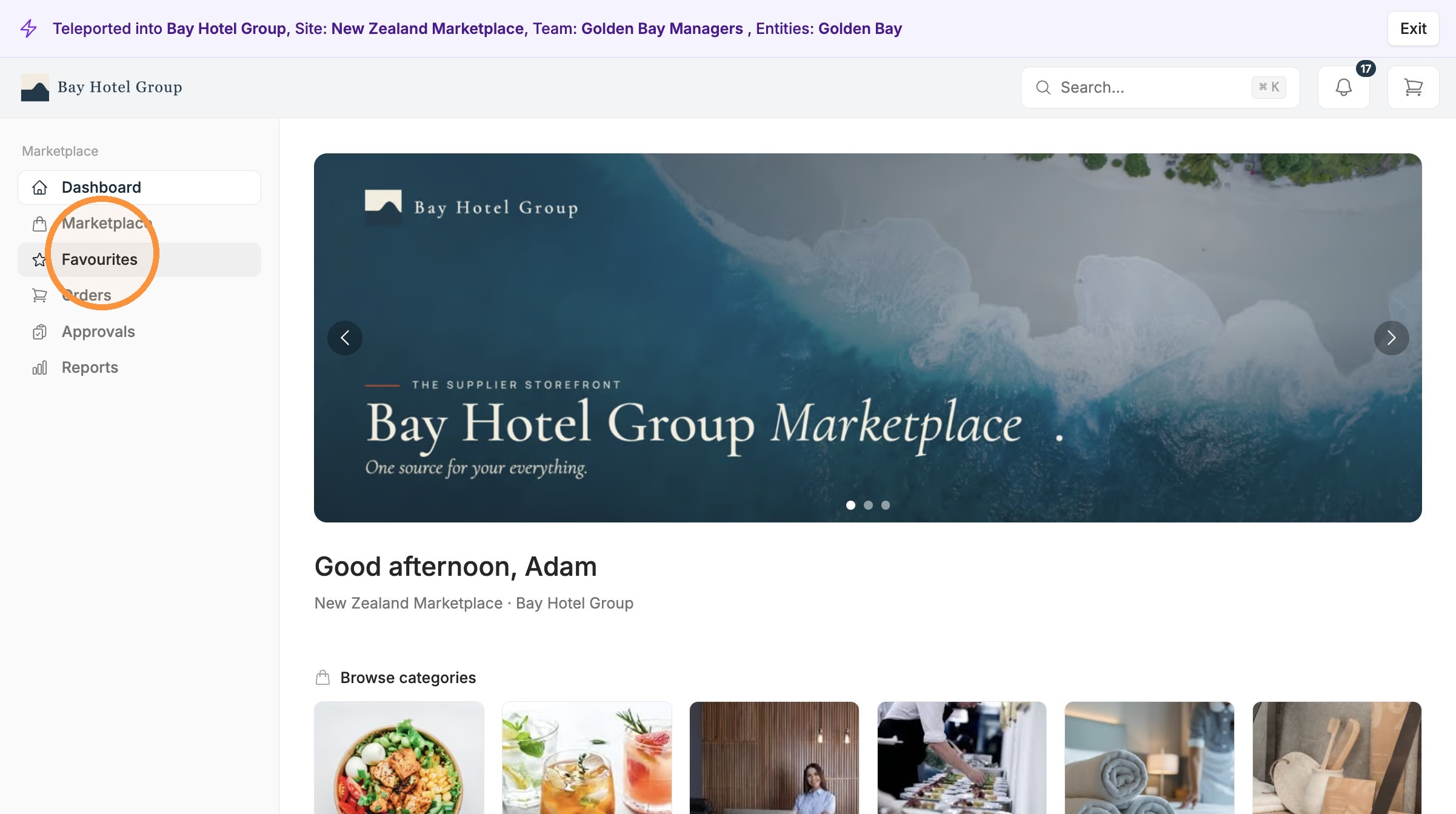
Eversource is built to get your team to streamline ordering, enhanced with Favourites, saved carts, and recurring orders, each remove a different piece of repeat work, so the things you buy week in and week out take seconds instead of a fresh search every time.
1. Favourites
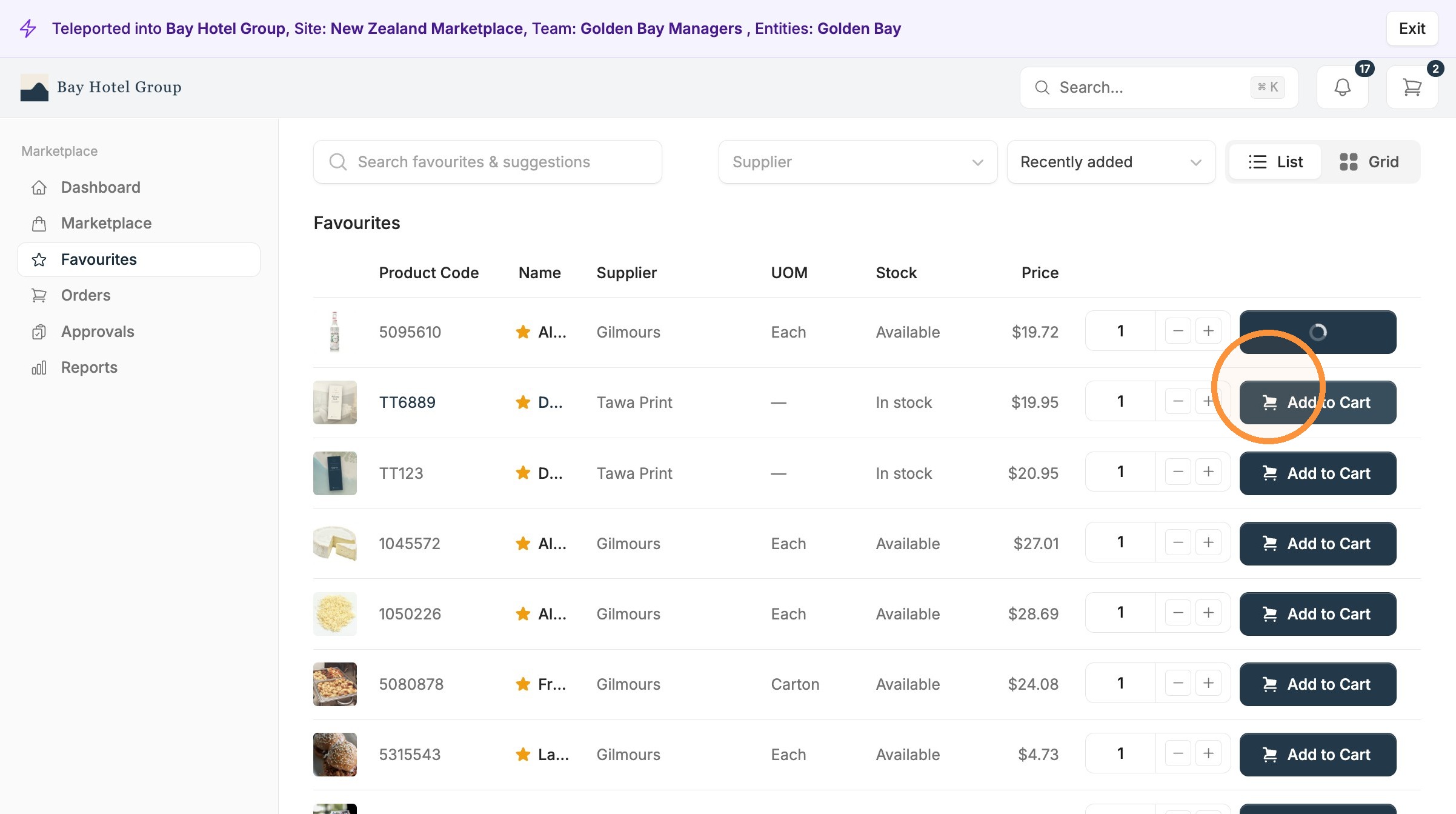
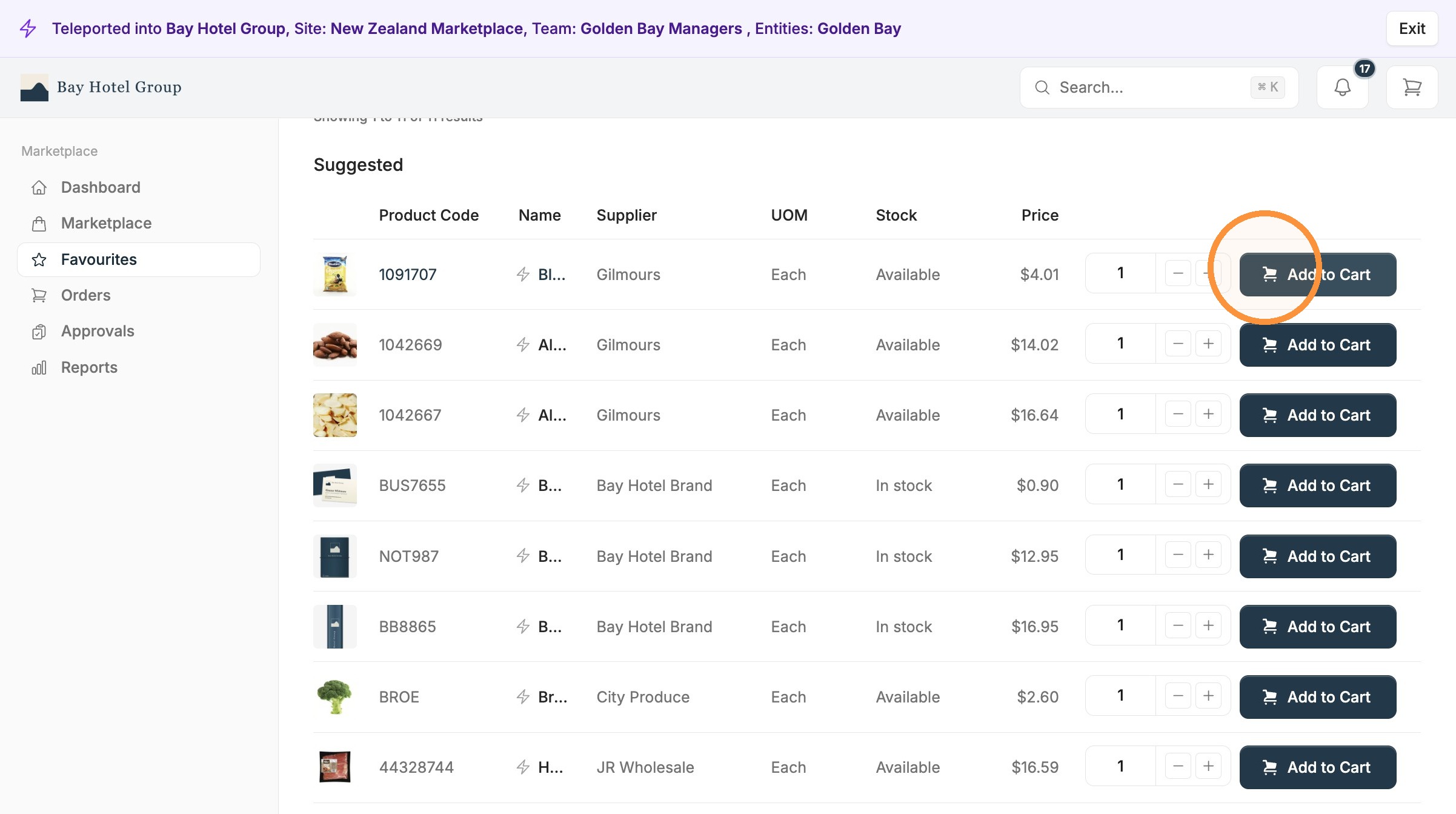
View your favourites and recommended list
Favourites are the items you manually star from the product catalogues.
Recommended are products based on your ordering activity.
Best for single items you regularly order.
2. Saved Carts
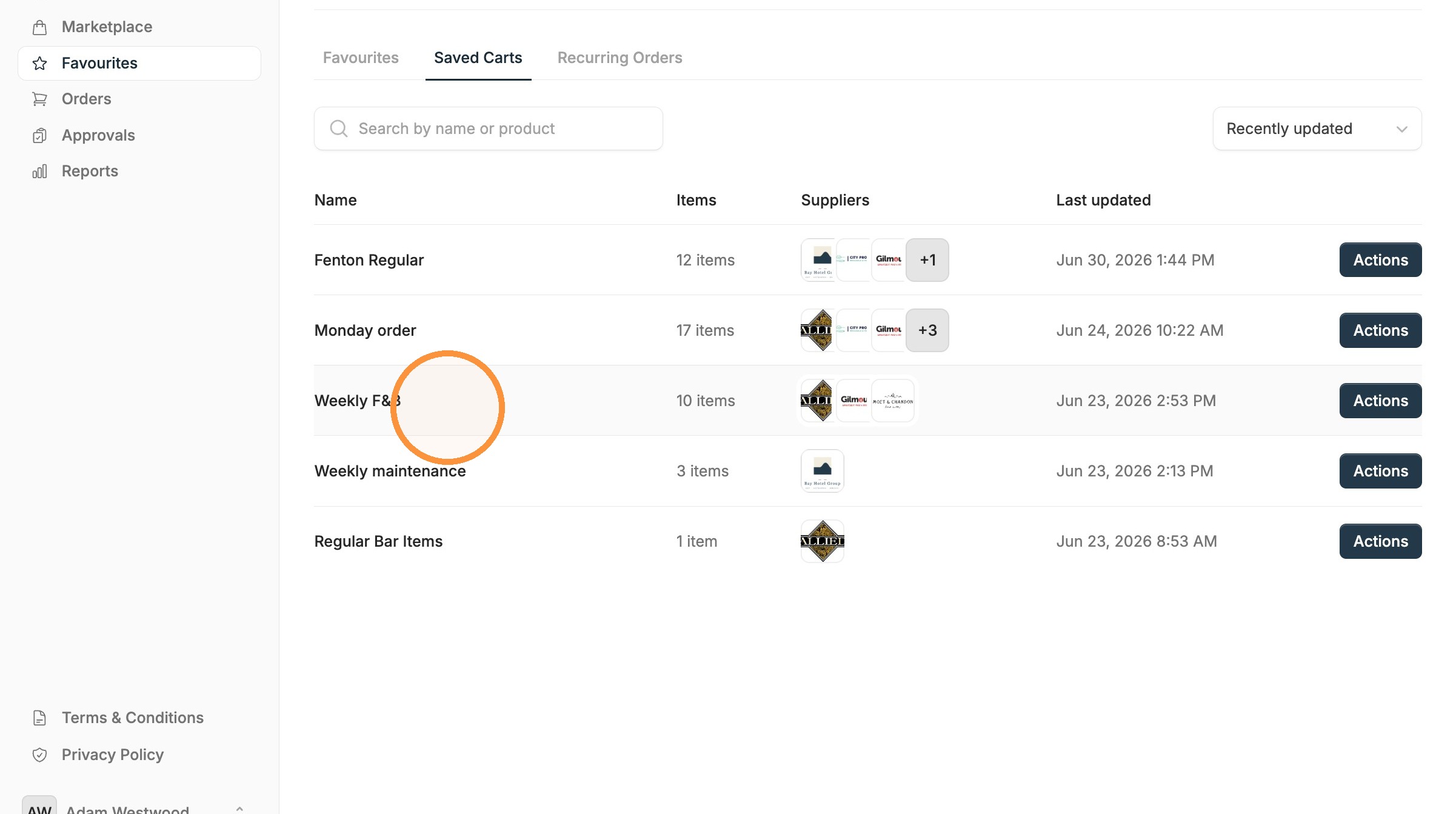
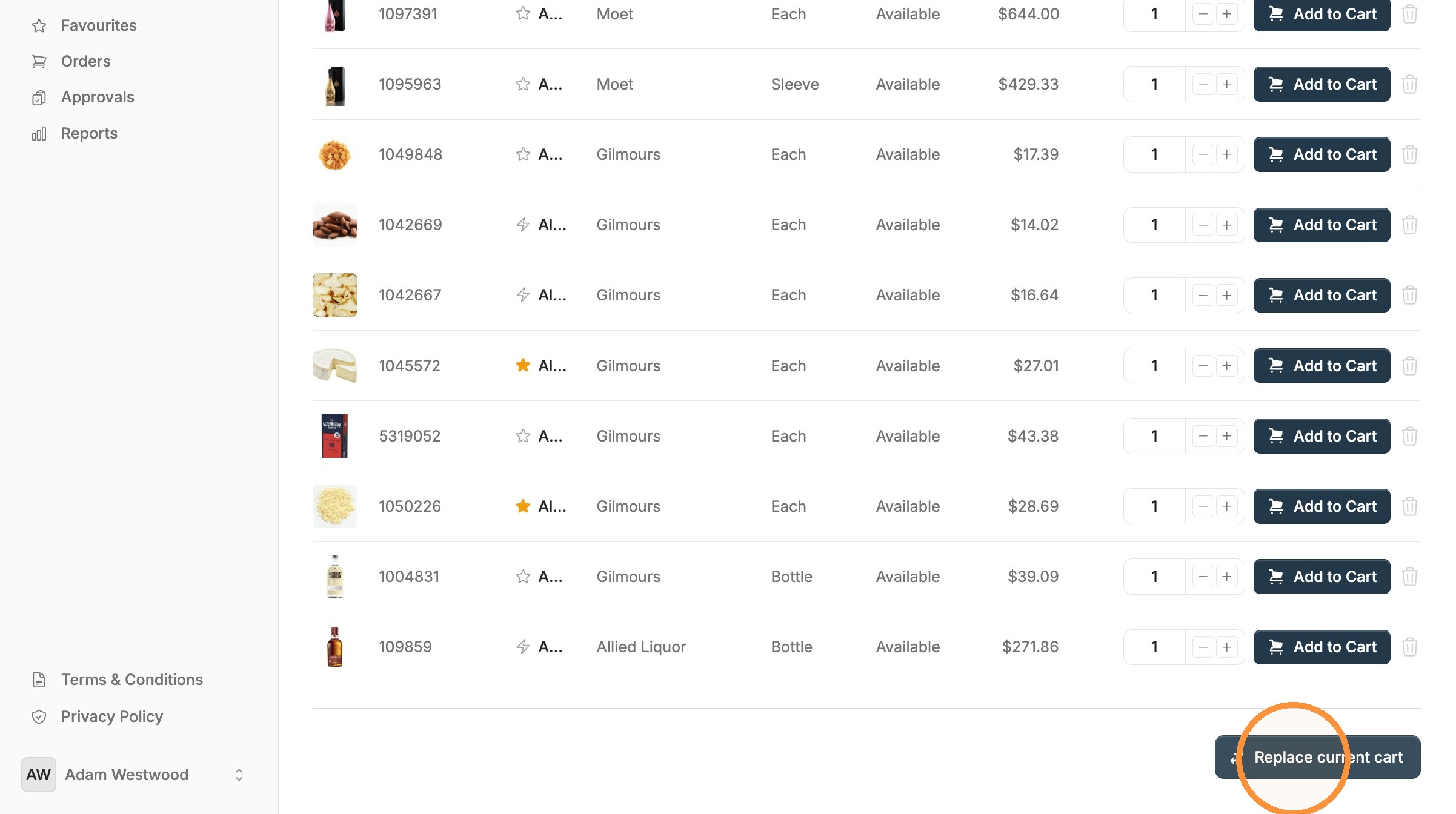
A saved cart holds a full basket so you can reuse it as a starting point. Build the order once, save it, then load it and check out next time. It suits orders that are mostly the same but need a small tweak before you buy, like a standard weekly kitchen order where quantities shift a little.
Checkout specific items or the whole saved cart.
You can create a saved cart during the checkout process, or from the "actions" button in the orders page.
Best for repeat orders with a consistent core that you like to edit before each purchase.
3. Recurring Orders
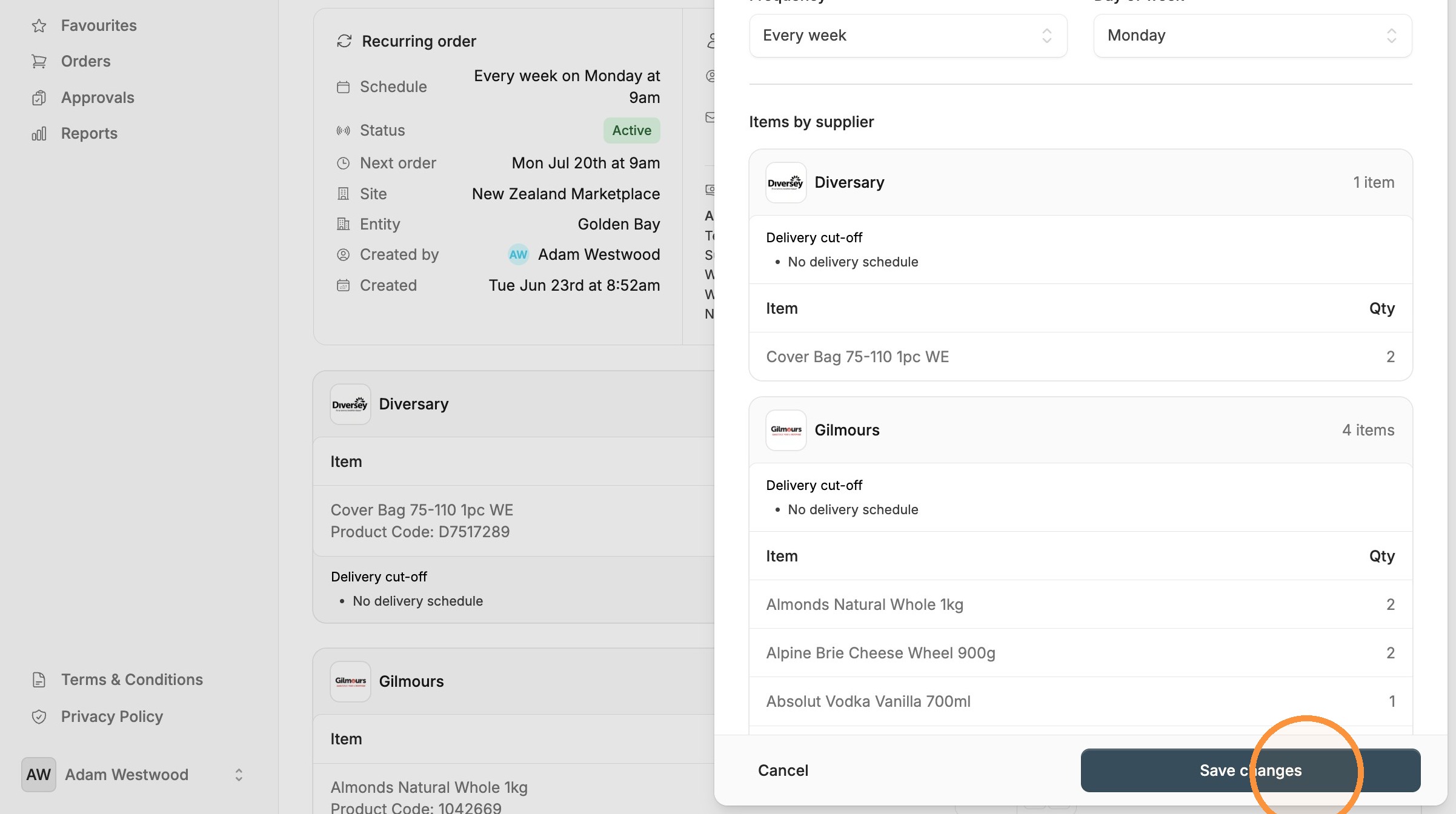
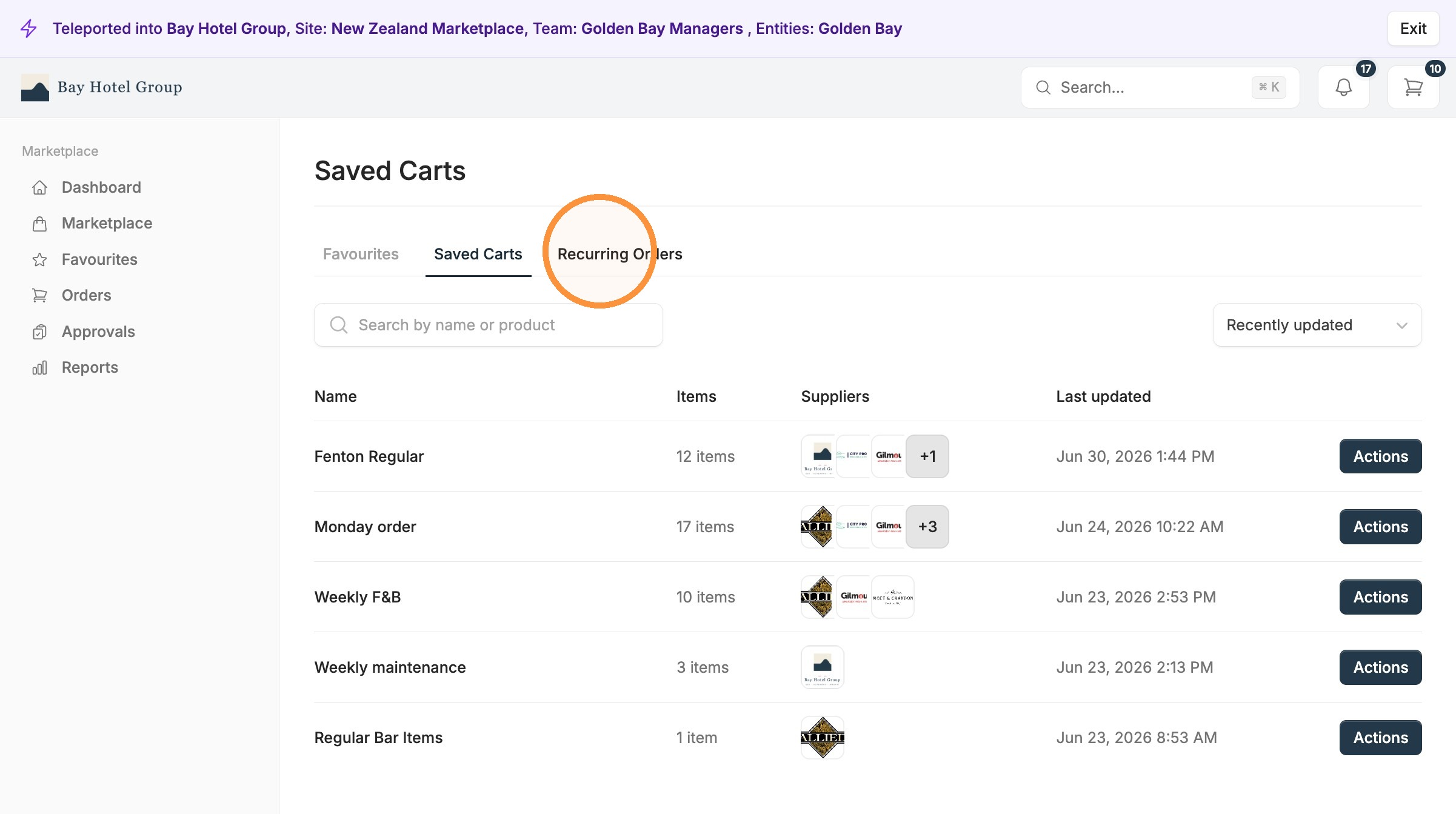
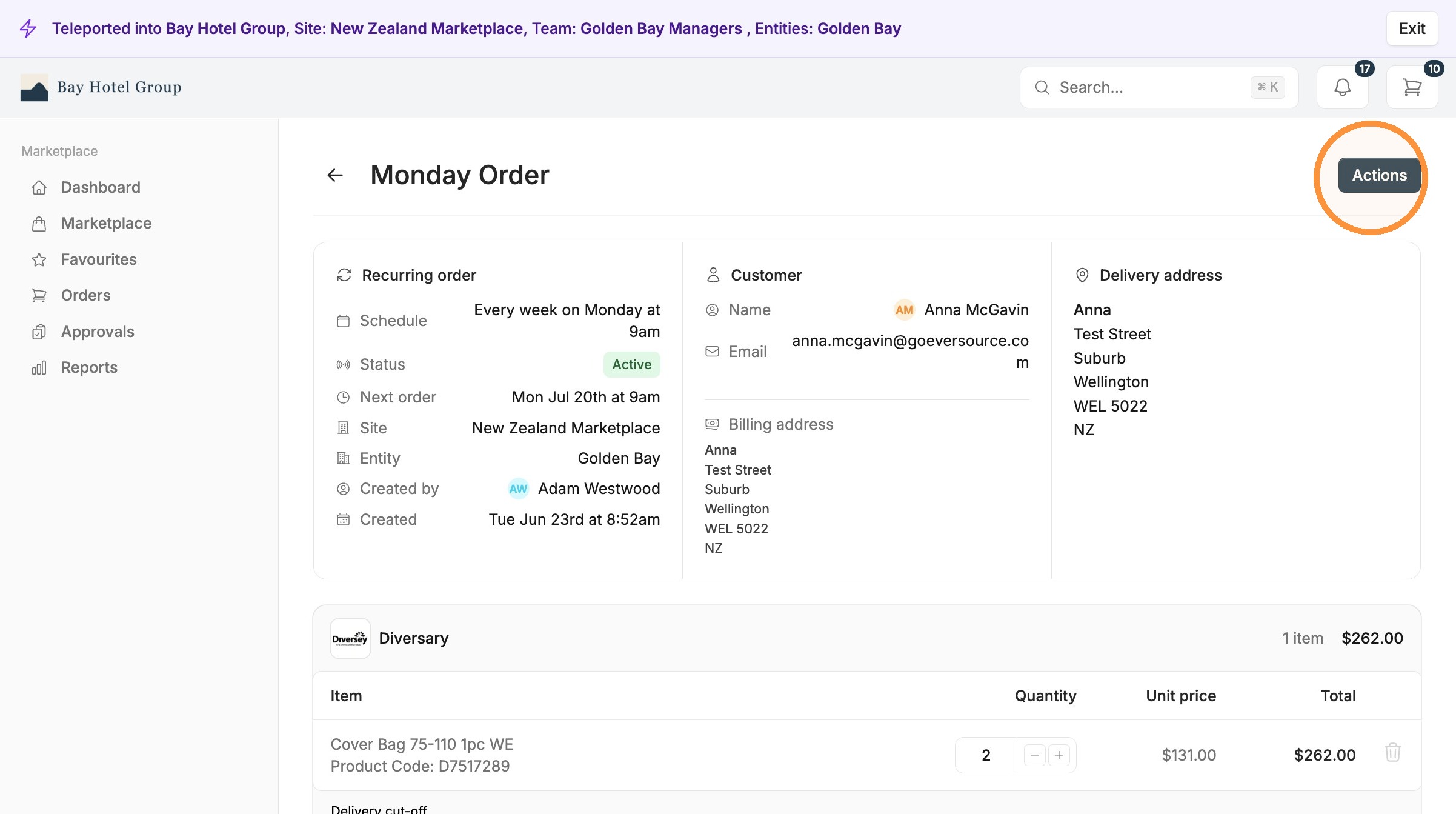
Recurring orders are for orders that happen on a reliable schedule. You set the products, the quantities, and how often the order goes out, and Eversource takes it from there. But please be cautious, as these orders will automatically be placed. Approval rules still apply with these orders.
Best for: predictable, fixed-schedule buys you would otherwise rebuild by hand every time.
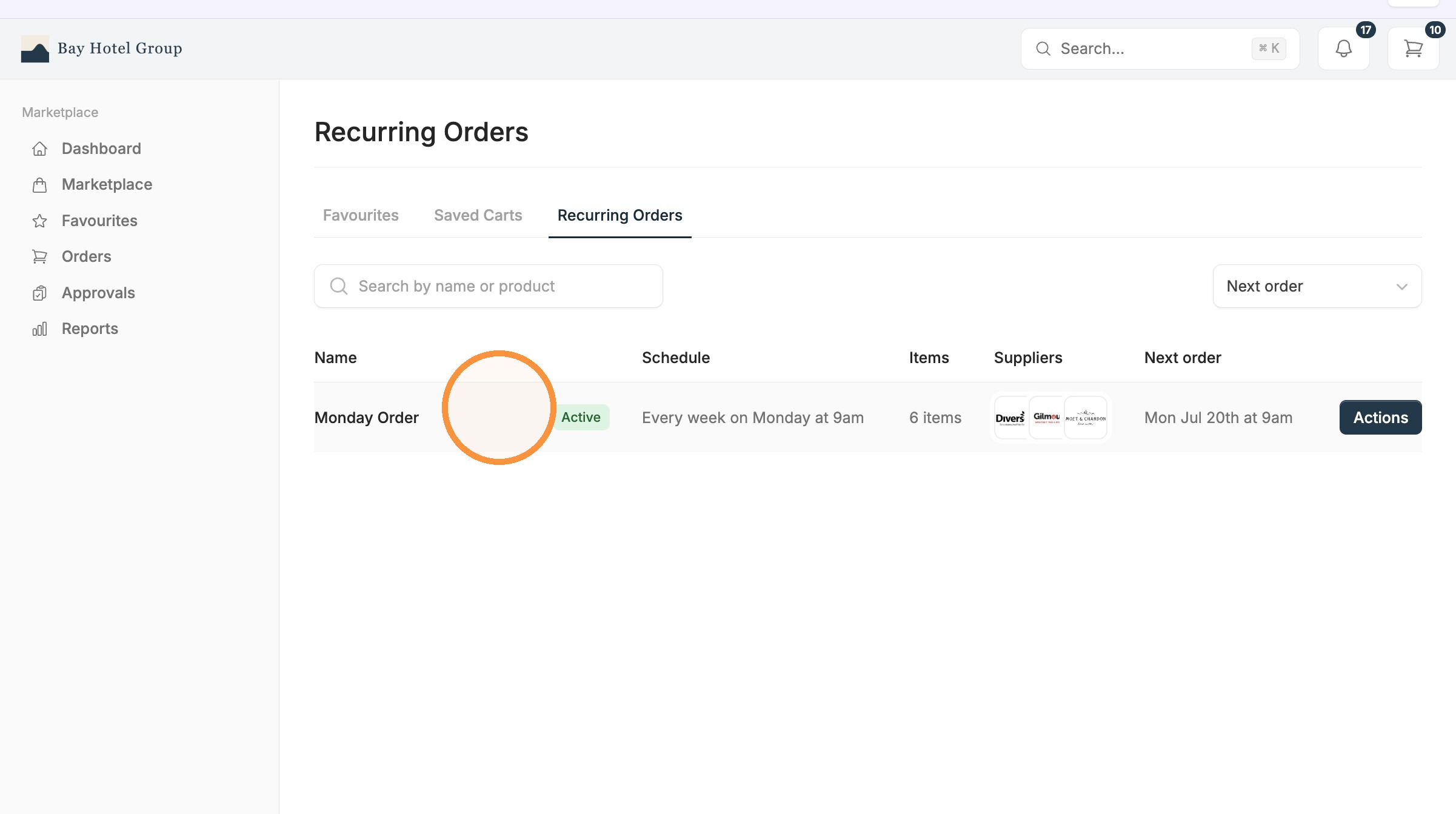
3.1. Open the "Actions" menu and select "Edit schedule".
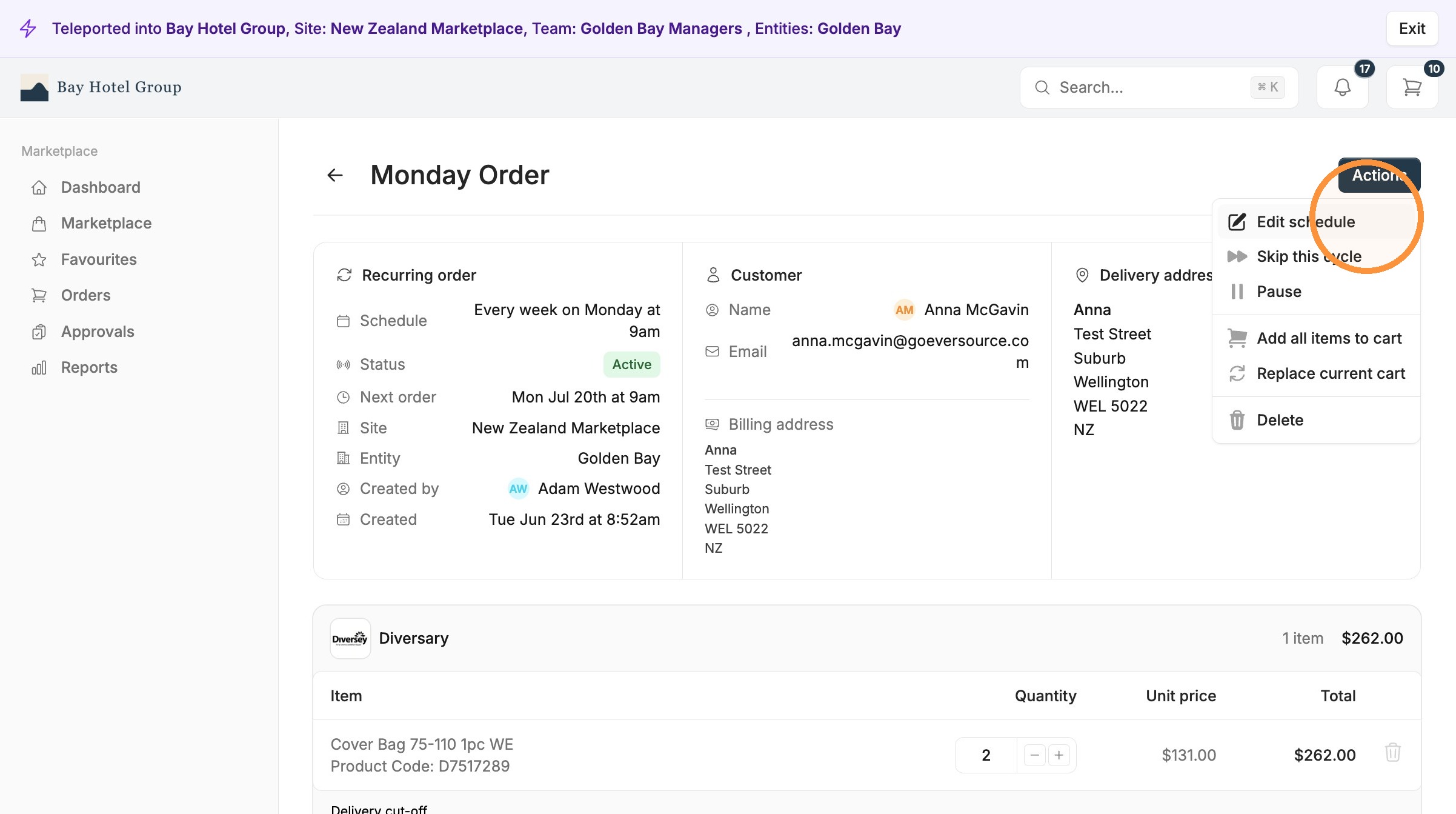
3.2. Update the recurring order name or schedule details in the pop-up.