If you’ve already placed an order in Eversource, you can check its current status from your order history. This helps you confirm whether the order is processing, approved, fulfilled, or completed, and review any available tracking or approval information.
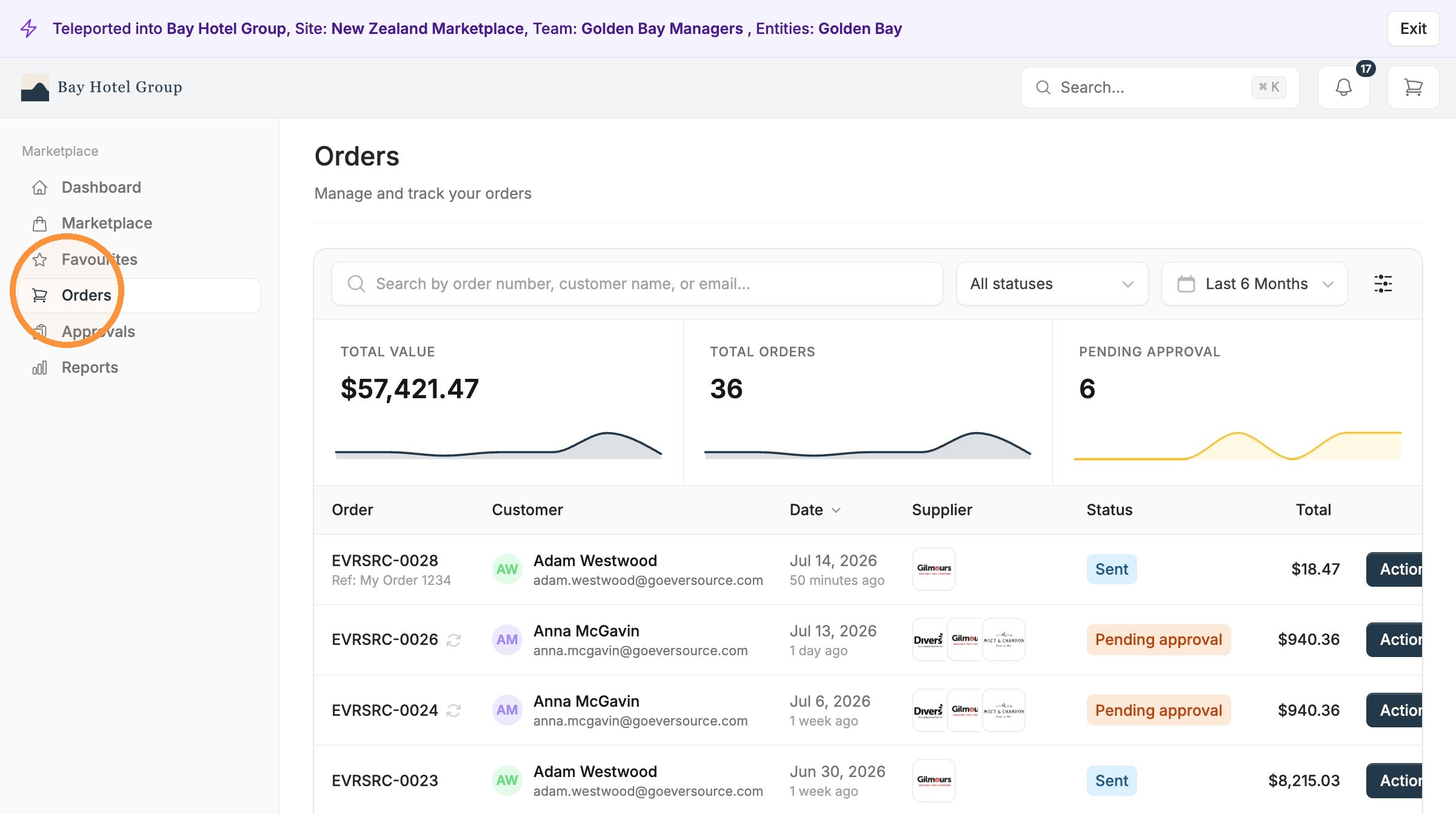
1. Navigate to the Orders page.
2. Select your specific order
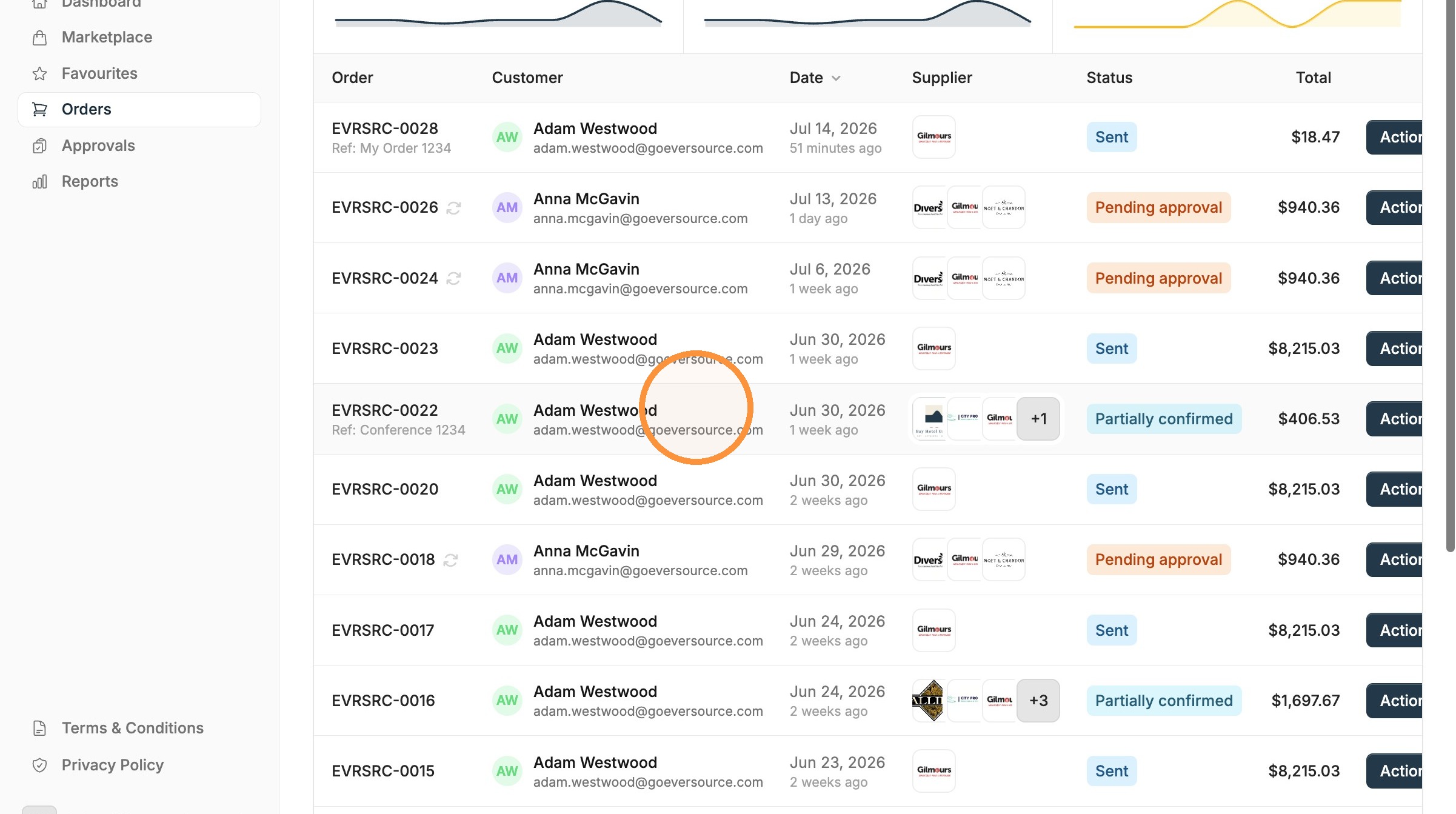
3. View the status and activity
If the order has multiple suppliers, view a specific supplier's status and comment
View the complete order status at the bottom of the order details page, showing the activity from order to completion.
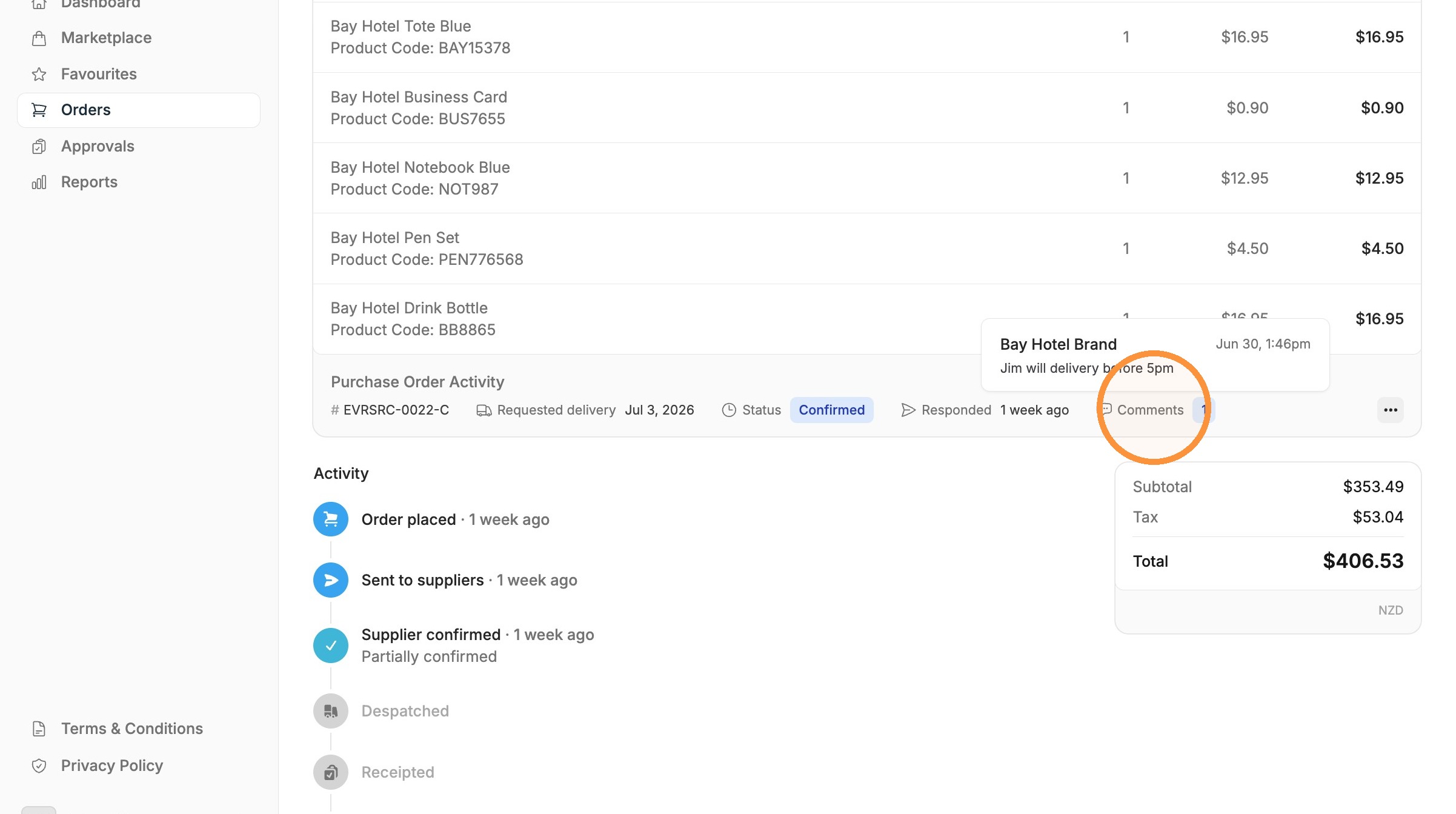
Suppliers update the status
Eversource receives updates from suppliers about a specific product, these update in the order page when received.
If the status looks incorrect
If the status does not look right, contact your site admin and provide the order number for assistance. Your site admin can help confirm whether the order is still processing, has been approved, or needs further review.